How to Invite a Prescriber to SignatureRx - Clinic User
Invite a Prescriber to SignatureRx
Learn how to invite a prescriber to join SignatureRx. This guide will walk you through the simple steps to send an invitation and get them set up.
1. Log into your portal using your Clinic page.
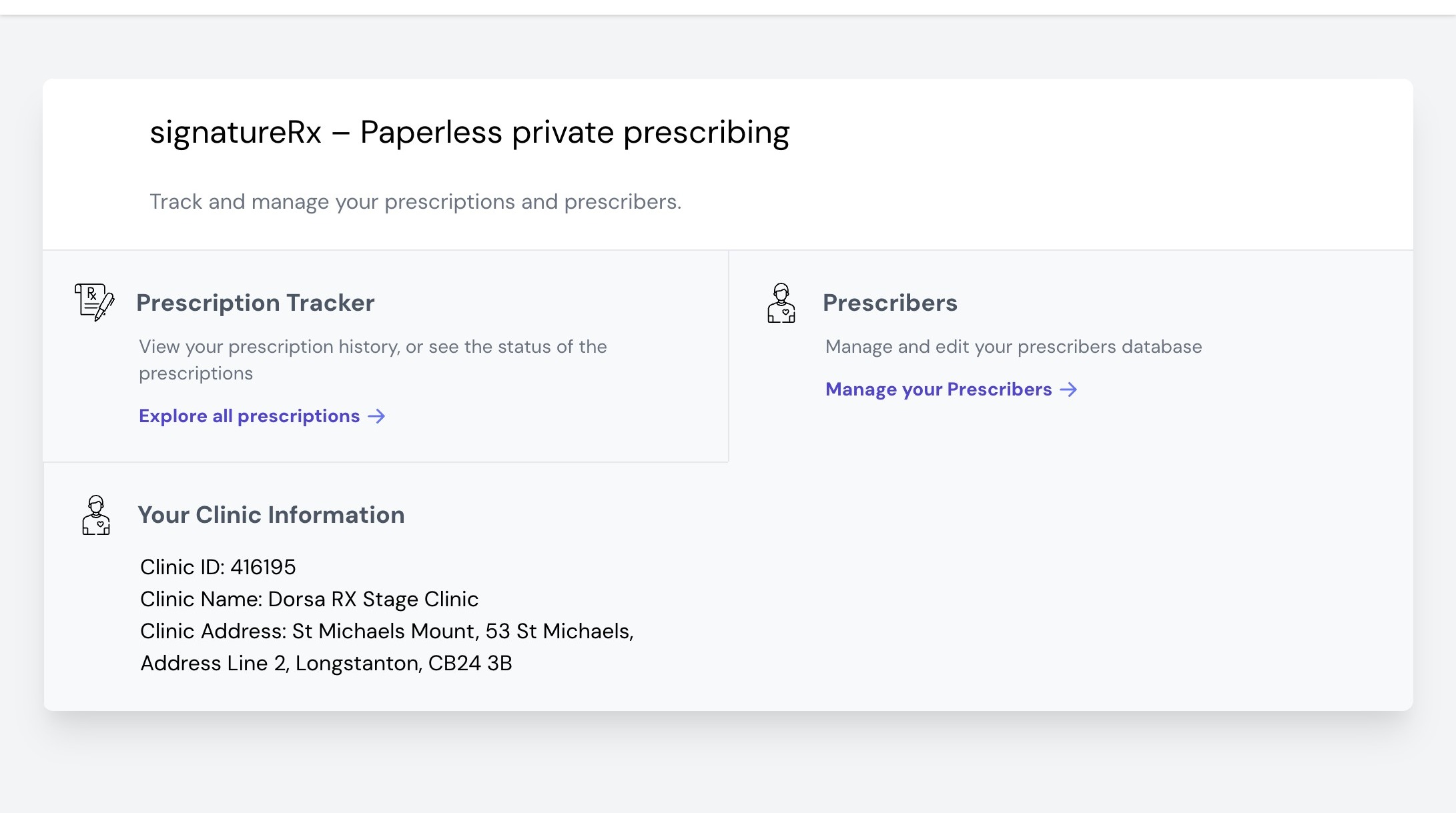
2. Click "Prescribers"

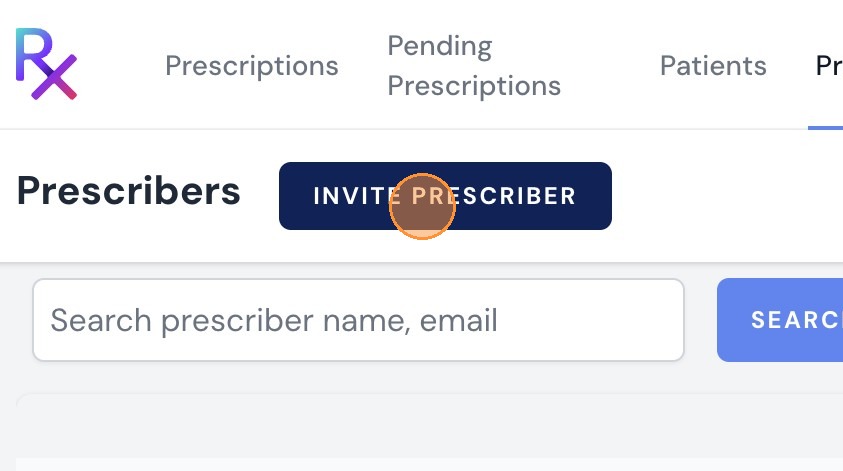
3. Click "Invite Prescriber". Here you can see all prescribers: Active or Pending. You can also remove or edit Prescriber's details.
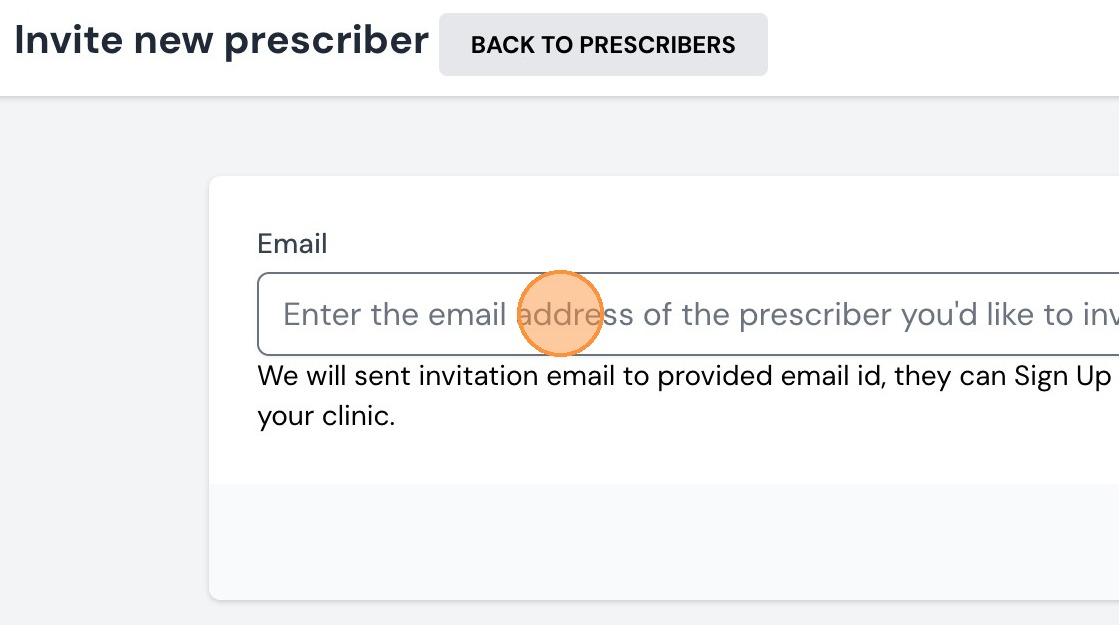
4. Enter the email address of the prescriber you'd like to invite
5. Click "Invite"

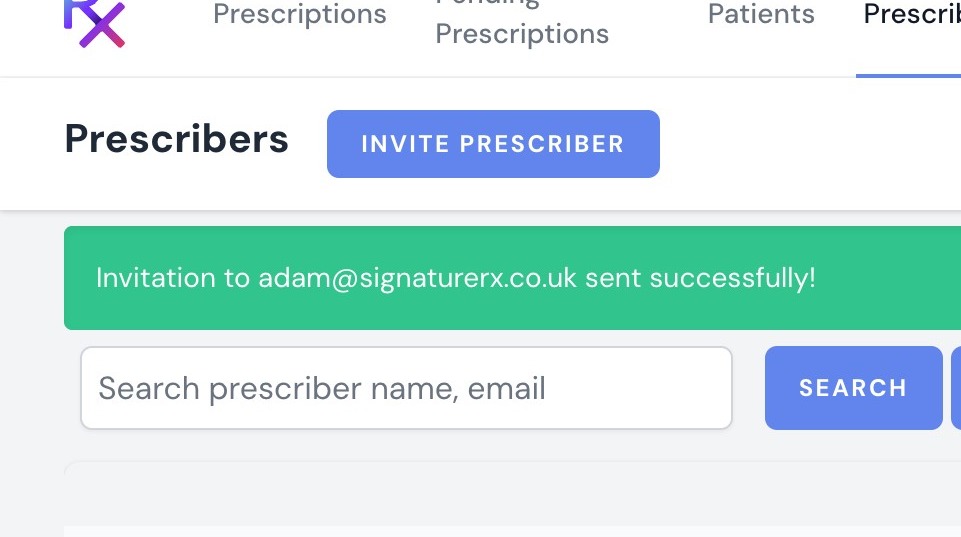
6. You will then receive a notification that the link has been sent to them.
7. Shortly after, your prescriber will receive an email invitation. They can click on "Sign up Now" and follow the directions on verifying their account.
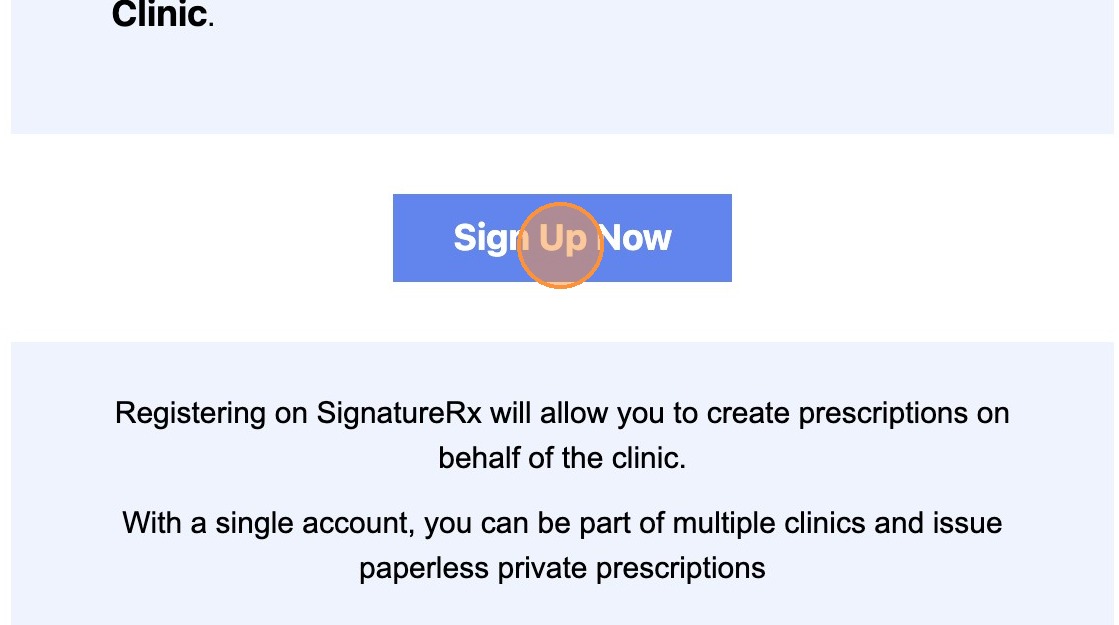
8. Click "Join & Accept invitation"
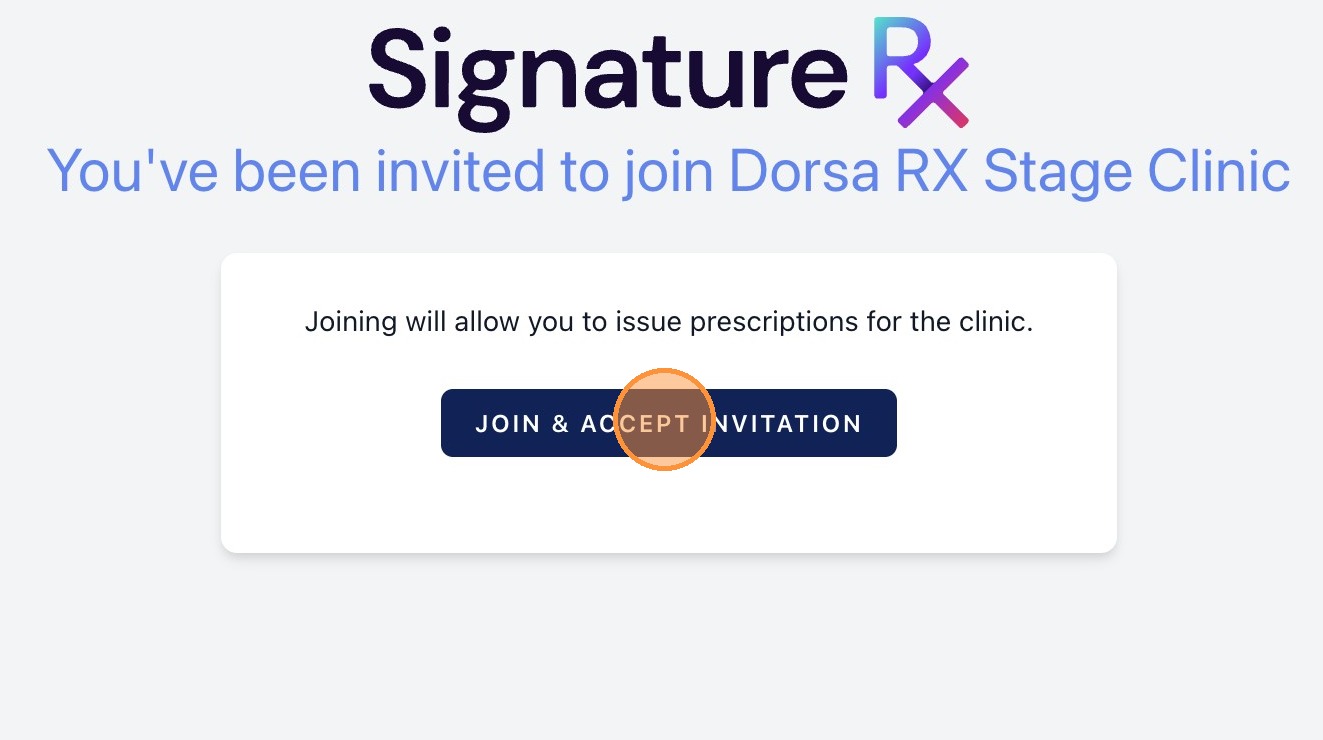
9. Follow the on screen sign up process completing all required fields
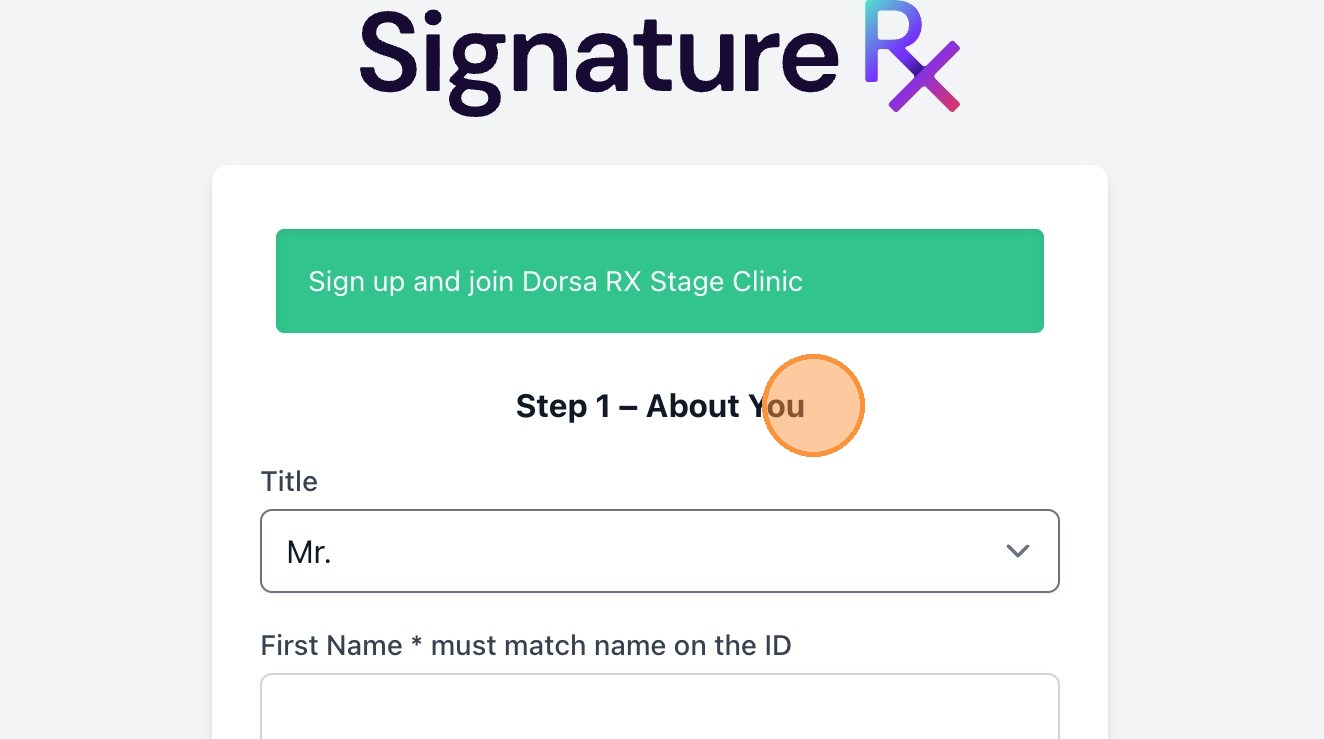
10. You will now need to complete the ID verification
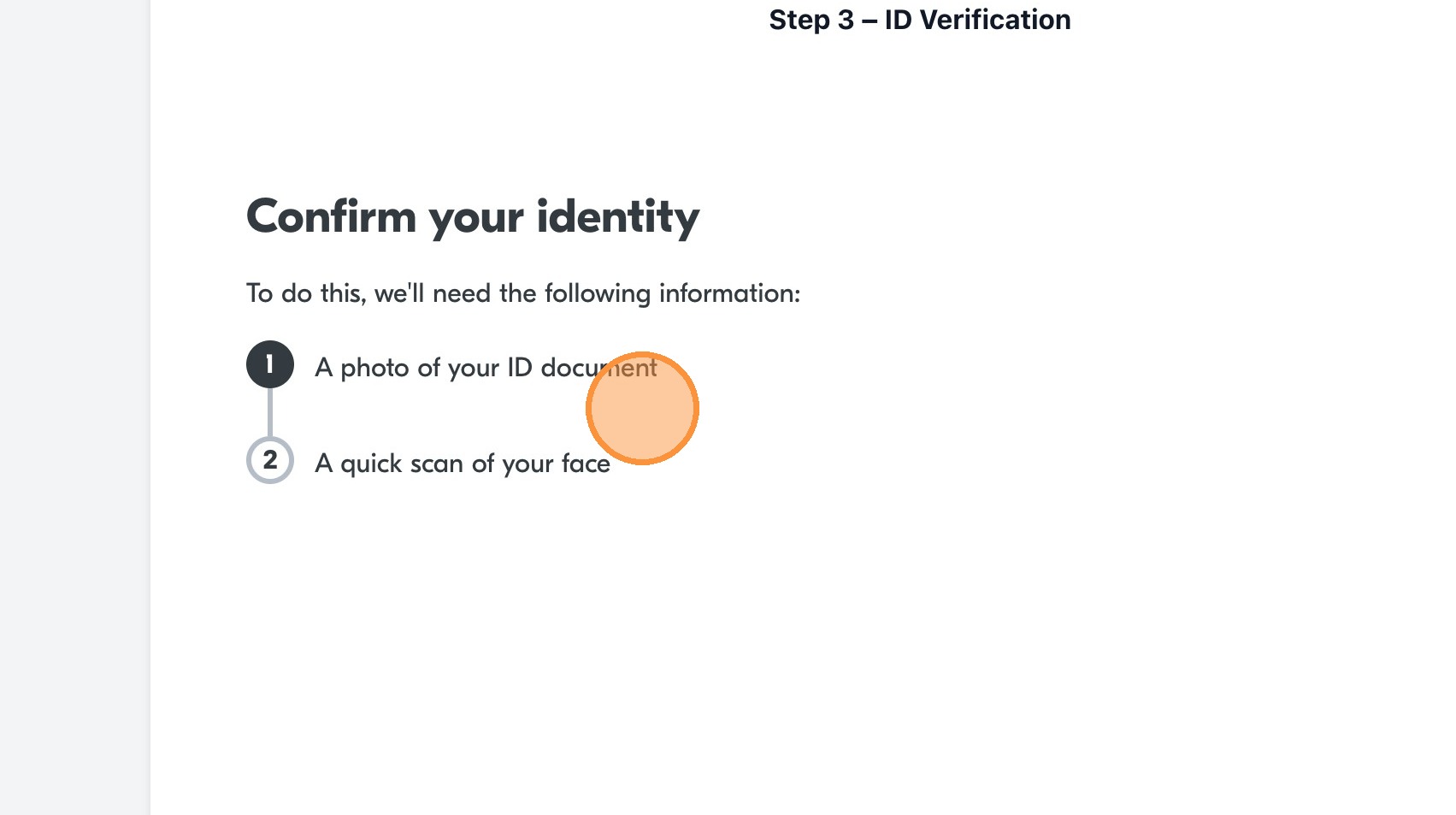
Tip: You may need to wait for the manual verification step to take place. This could take a number of days but generally happens within one working day. Should this process be delayed, please contact support@signaturerx.co.uk
11. Once verified, The prescriber will be active and can start prescribing!

How to Invite a Prescriber to Your Clinic
Overview
This article walks through inviting a prescriber to join SignatureRx under your clinic and completing their account setup.
Who does this apply to?
Clinic users who manage prescriber accounts.
Key points
- Invitations are sent by email from the Prescribers section of your clinic portal.
- Prescribers complete sign-up and ID verification after accepting the invite.
- Verification is generally completed within one working day.
1. How do I invite a prescriber?
Answer: From the Prescribers tab in your clinic portal.
Log into your Clinic page; click "Prescribers"; click "Invite Prescriber"; enter the prescriber's email address; click "Invite". A notification confirms the link has been sent.
2. What happens after the invite is sent?
Answer: The prescriber completes sign-up and verification.
The prescriber receives an email invitation, clicks "Sign up Now", follows the on-screen sign-up process, clicks "Join & Accept invitation", completes all required fields, and completes ID verification.
3. How long does verification take?
Answer: Generally within one working day.
Manual verification could take a number of days. If delayed, contact support@signaturerx.co.uk. Once verified, the prescriber becomes active and can start prescribing.
Source links:
https://help.signaturerx.co.uk/portal/en/kb/articles/invite-a-prescriber-to-signaturerx
https://help.signaturerx.co.uk/portal/en/kb/articles/how-to-invite-prescriber