Commission – What Is It and How Does It Work?
Commissions - How does it work?
Learn how commissions work in SignatureRx and how to set up your Ryft account to receive payments. This guide explains how commissions are generated and how to configure your account for secure payouts.
What is Commission?
The Commission feature in SignatureRx allows clinics and prescribers to earn commission on prescriptions issued for delivery via SignaturePharmacy.
Once enabled, commissions are automatically generated when a prescriber selects “Issue for delivery” with SignaturePharmacy.
1. Log in to your portal via your clinic page.
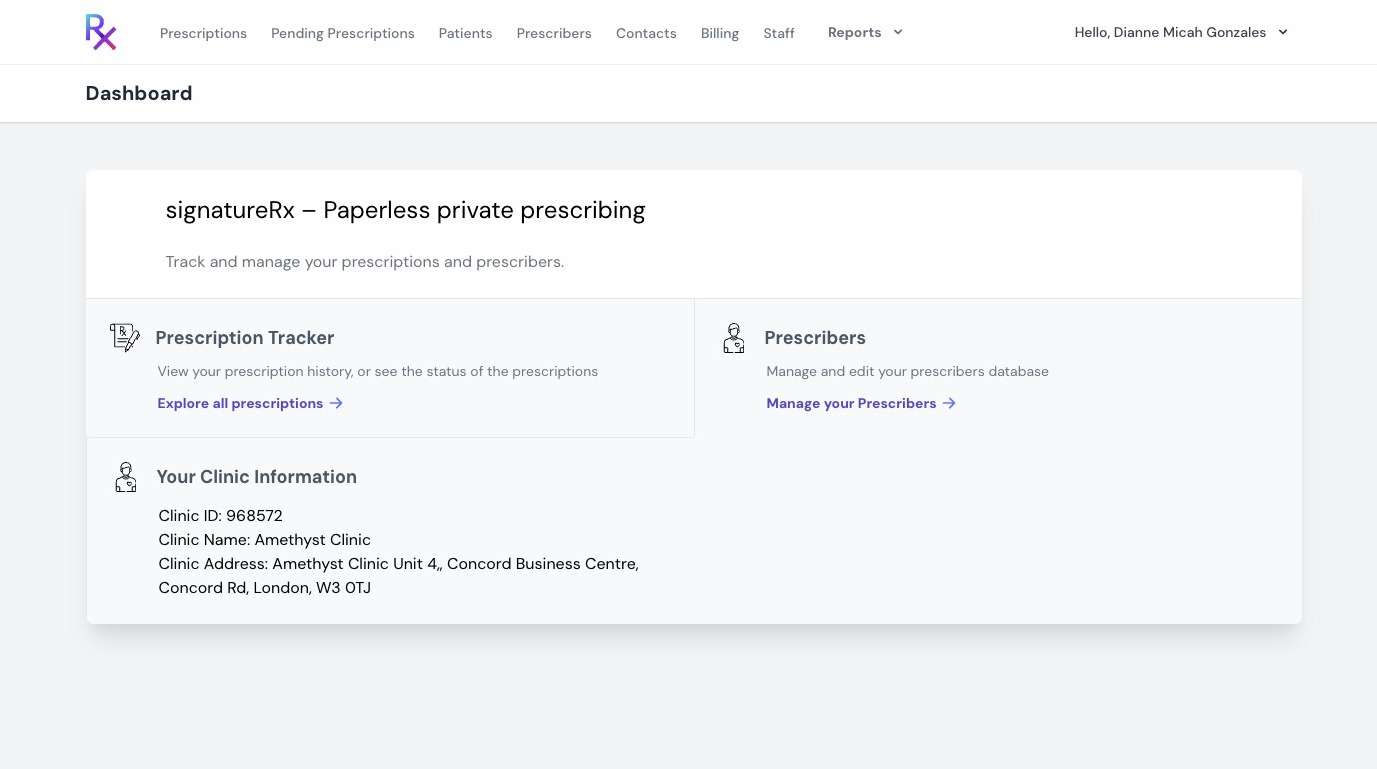
2. Click your name in the top right corner.
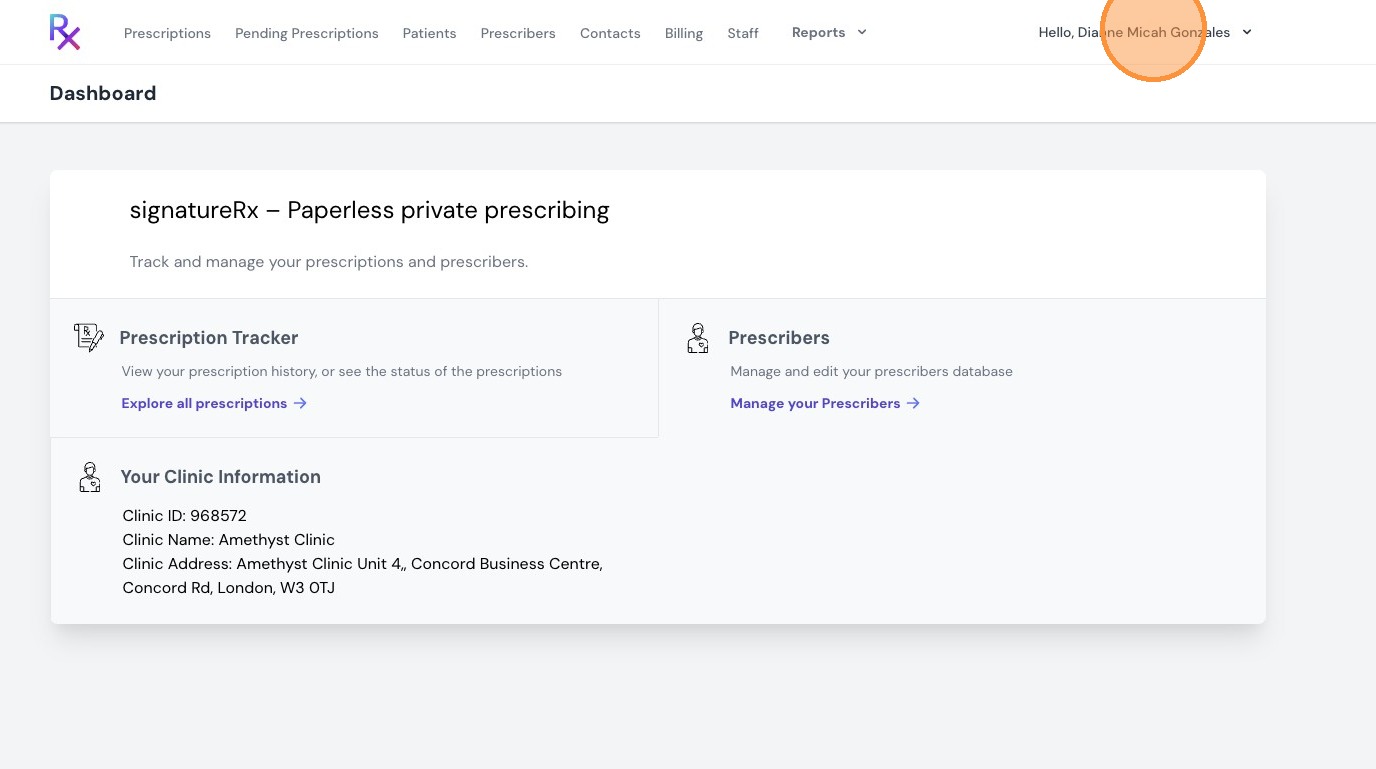
3. Click "Commissions"
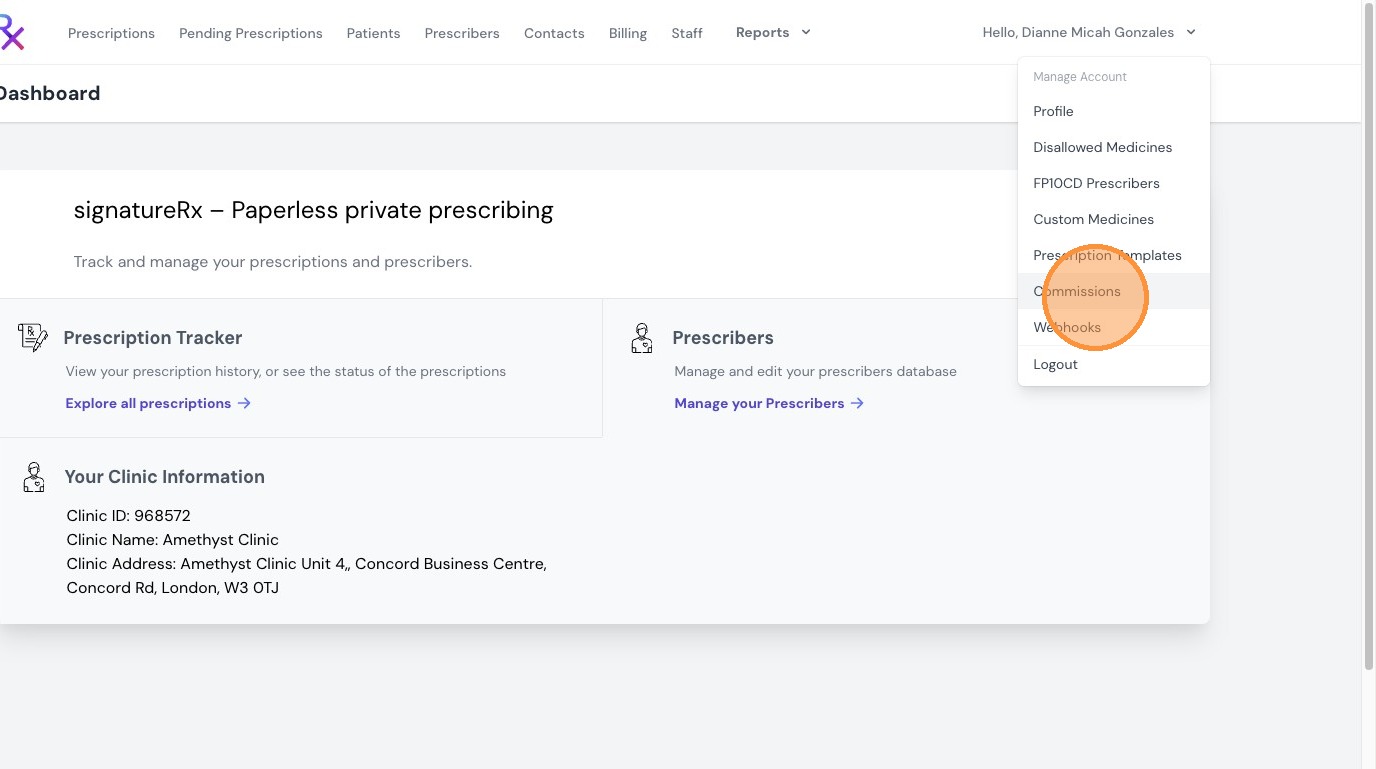
4. Click “Ryft Account” to create your account.
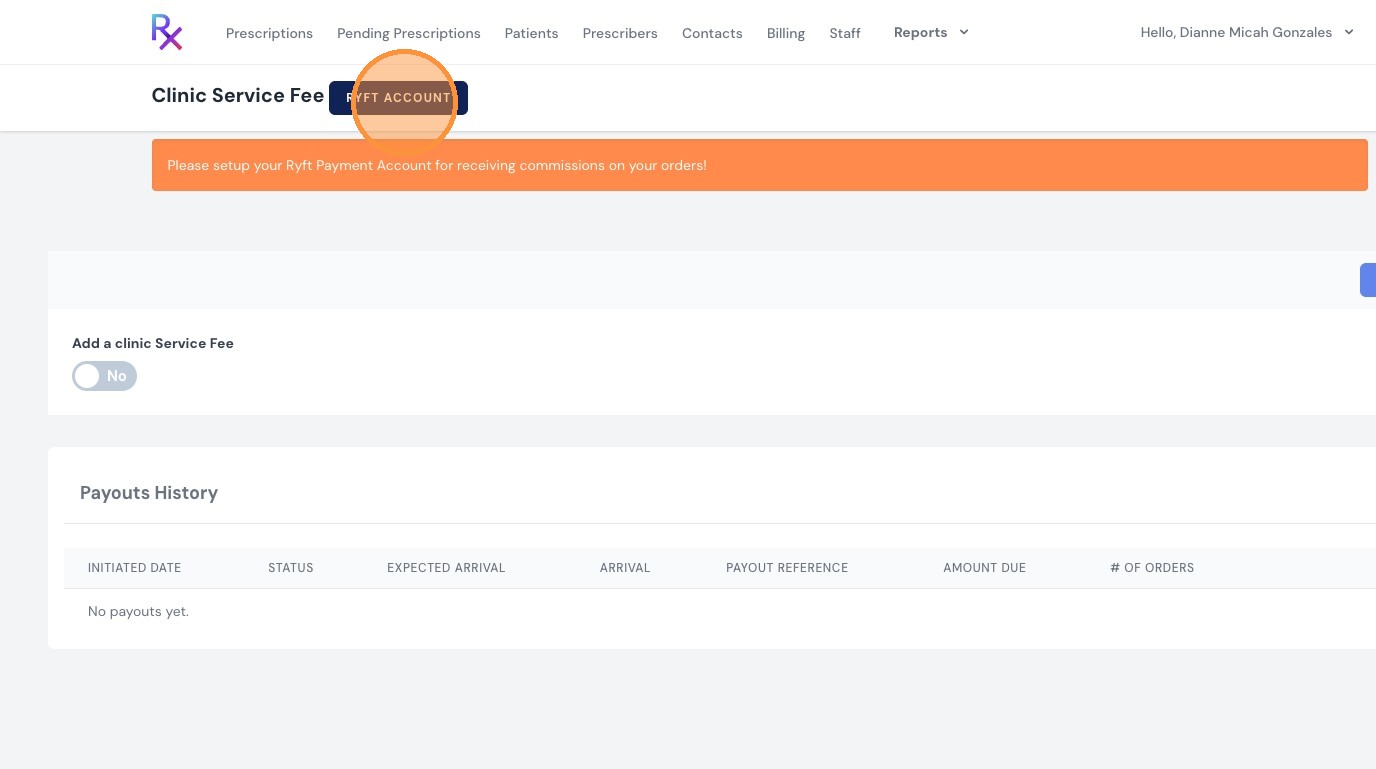
5. Tick the “I agree to the Terms and Conditions” box and click “Create Ryft Account"
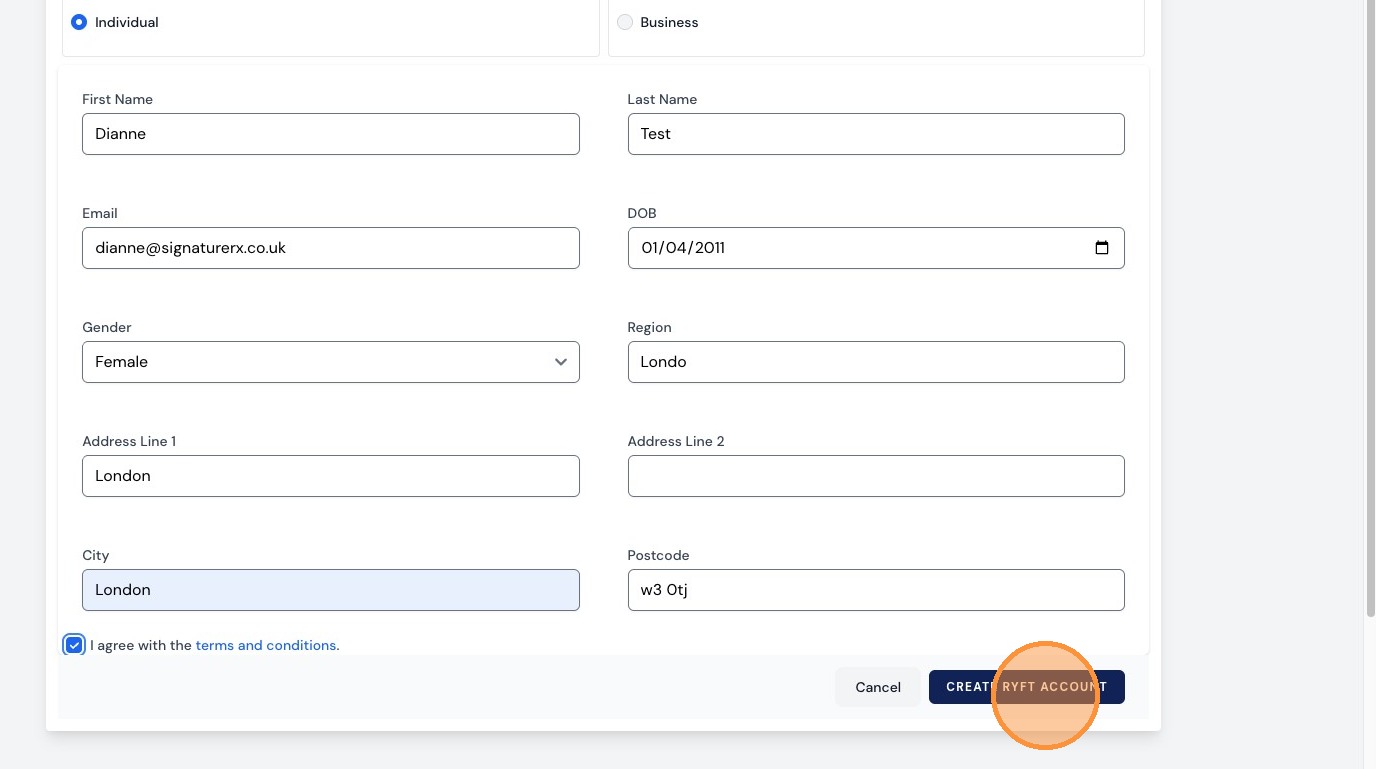
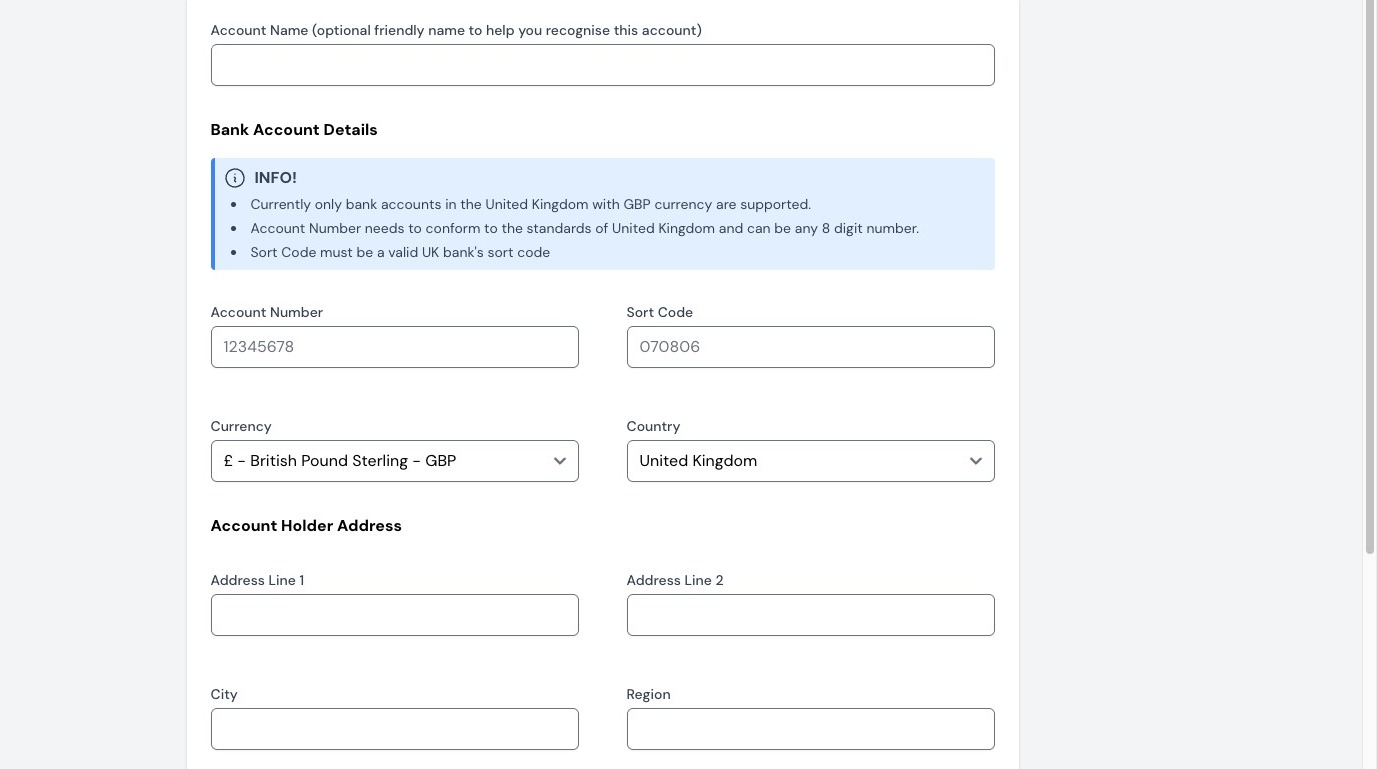
6. Complete all required fields, including your bank account details.
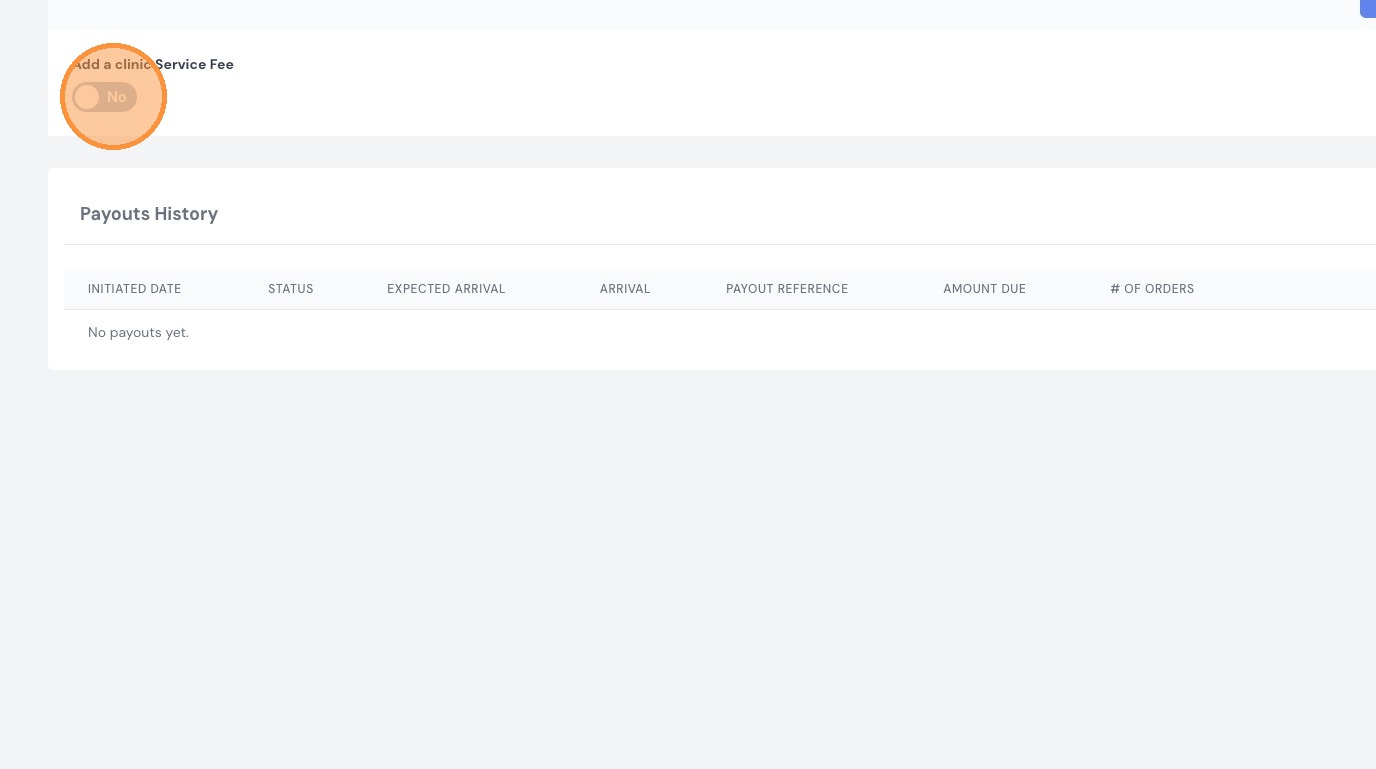
7. To add a clinic service fee, toggle this option on.
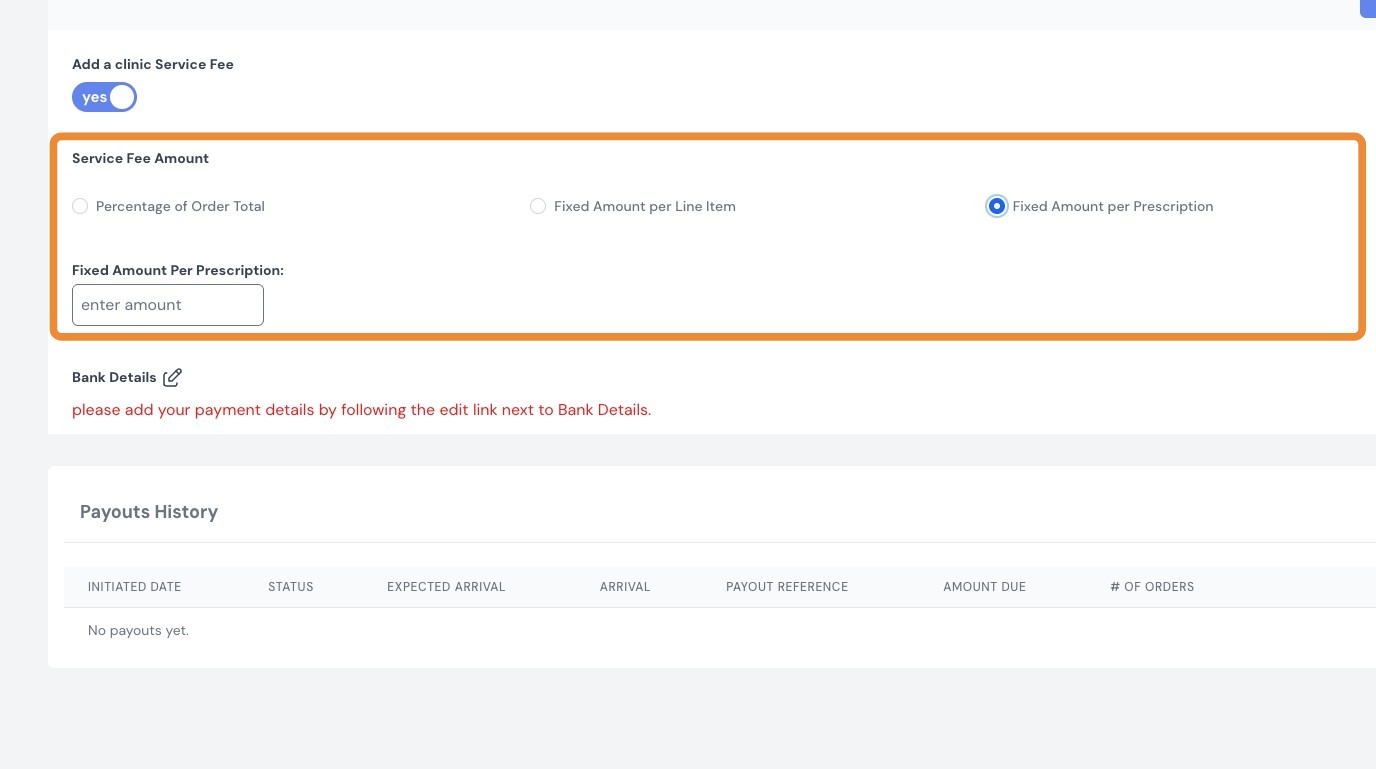
8. Choose how commission is calculated using one of the following options:
- Percentage of the order total
- Fixed amount per line item
- Fixed amount per prescription
Automatic Commission Transfers
Once your Ryft account is connected:
Commission payments are handled securely via Ryft and incur a processing fee starting from 1.25%, which may vary depending on the transaction.
When your commission balance reaches £100, the full amount is automatically transferred to your bank account
- No additional tax is added on top during the transfer
This ensures a seamless and automated payout process.
Important Information
- You must connect a Ryft account to receive commission payouts
- Commission is only generated when prescriptions are issued for delivery via SignaturePharmacy
- Ensure your bank details are correctly set up in Ryft to avoid delays in payments
Related Articles
What is a clinic user and what can they do?
What is a Clinic user and What can they do? A clinic account is ideal for practices where multiple doctors or prescribers work within the same clinic. It provides a shared workspace, allowing teams to manage prescription operations efficiently and ...Navigating The SignatureRX Clinic Dashboard (Overview)
Navigating The SignatureRX Clinic Dashboard (Overview) This guide provides an overview of the SignatureRx clinic dashboard. It covers the key areas available to help you manage prescriptions, prescribers, patients, billing, and clinic settings ...Why Do I Need to Pay for My Prescription?
Why Do I Need to Pay for My Prescription? All prescriptions issued through SignatureRx are private prescriptions, which means they are not subsidised by the NHS. When you collect your medication, the pharmacy will charge you: The cost of the ...How to Enable Auto Top-Up
How to enable Auto Top-Up of Tokens Learn how to enable Auto Top-Up in SignatureRx to ensure you never run out of tokens. This feature automatically purchases tokens when your balance reaches a set threshold, helping you maintain uninterrupted ...SignatureRx Compliance with the Human Medicines Regulations 2012
SignatureRx Compliance with the Human Medicines Regulations 2012 Made by Dianne Micah Gonzales with Scribe SignatureRx is designed to operate in accordance with the requirements of the Human Medicines Regulations 2012, ensuring that all prescriptions ...