How to Enable Auto Top-Up
How to enable Auto Top-Up of Tokens
Learn how to enable Auto Top-Up in SignatureRx to ensure you never run out of tokens. This feature automatically purchases tokens when your balance reaches a set threshold, helping you maintain uninterrupted prescribing.
1. Log in to your portal via your clinic page
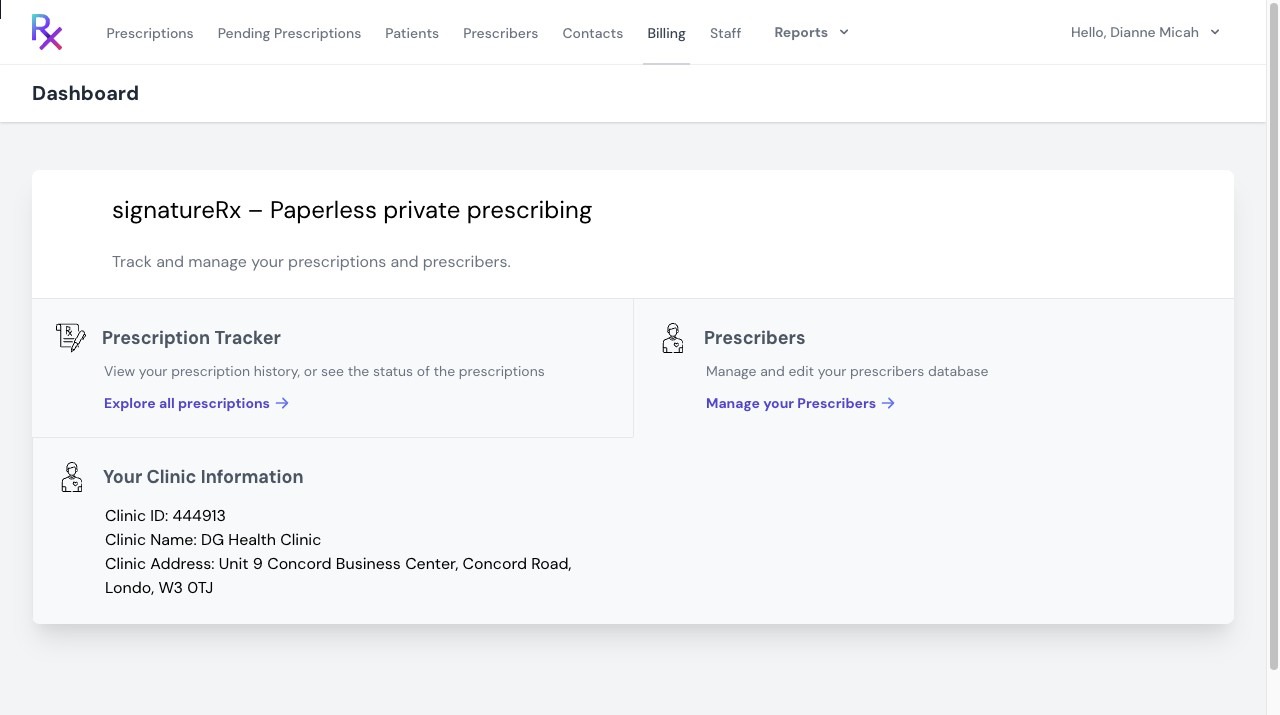
2. Click "Billing"
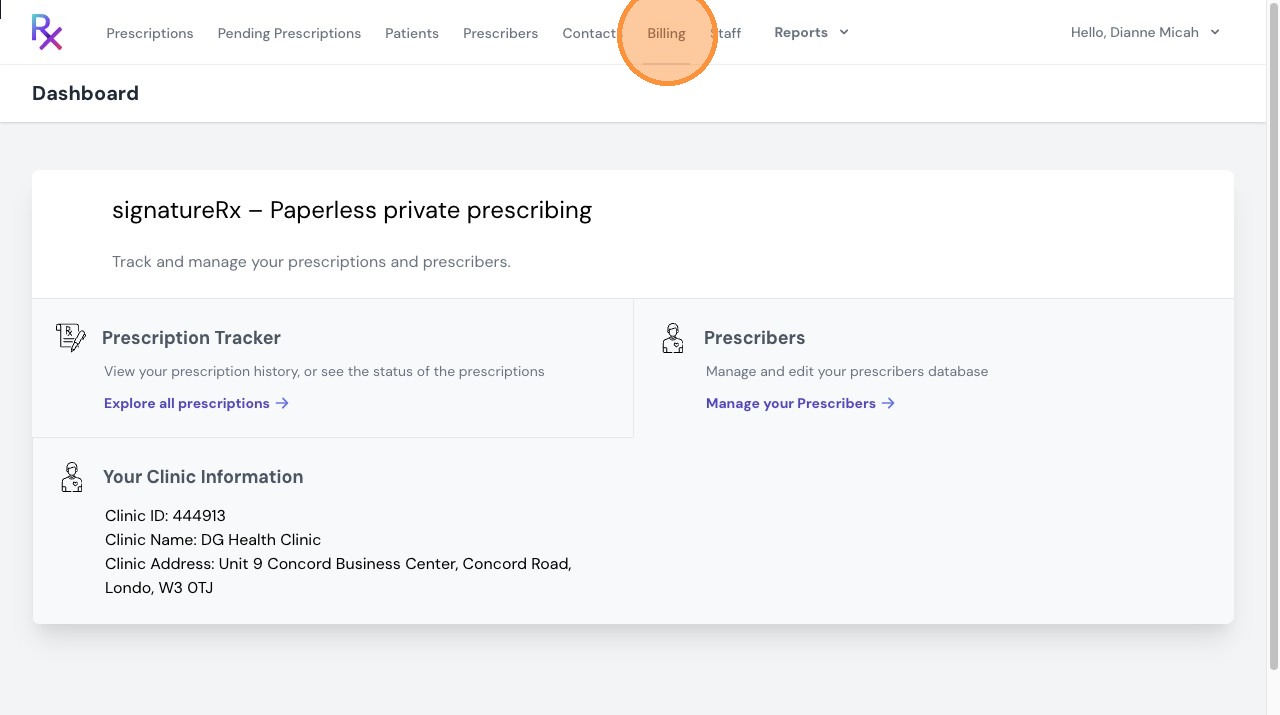
3. In the “Billing” tab, locate the Setup Auto Top-Up section.
Toggle Auto Top-Up to enable the feature.
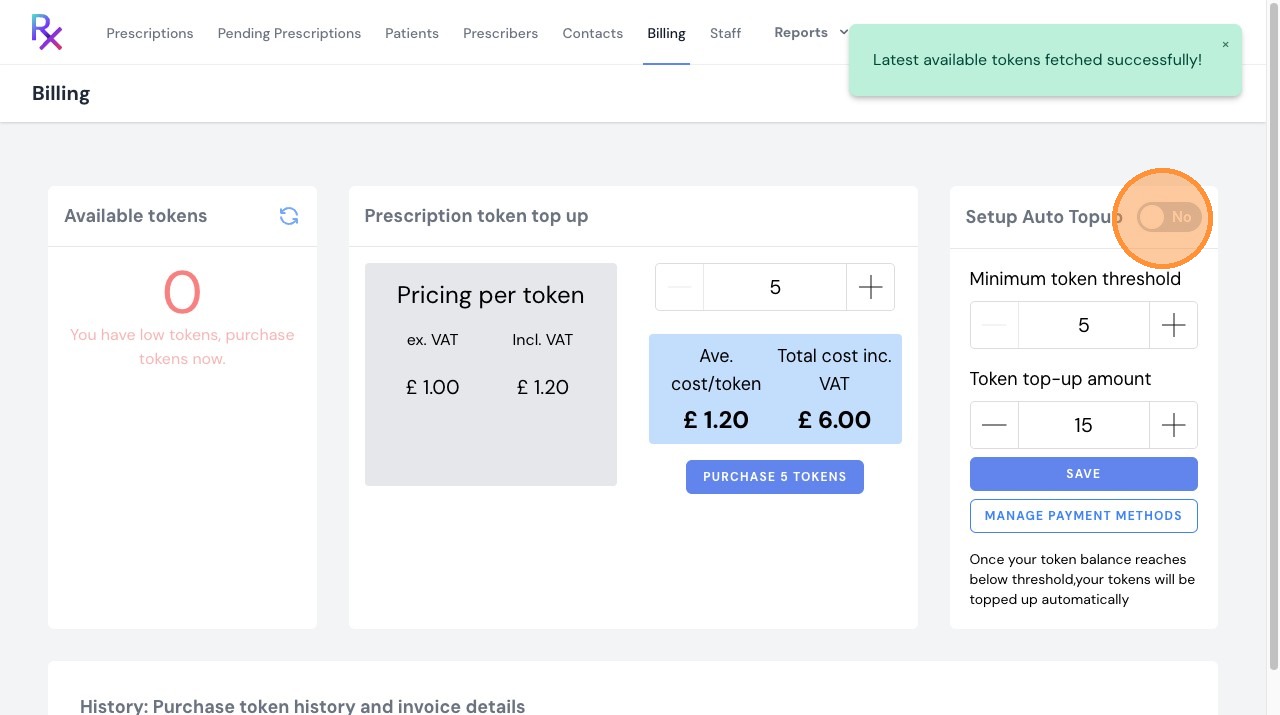
4. Set your preferred minimum token threshold (the level at which Auto Top-Up will be triggered).
Select the number of tokens to be purchased automatically when the threshold is reached.
Save your settings to activate Auto Top-Up.
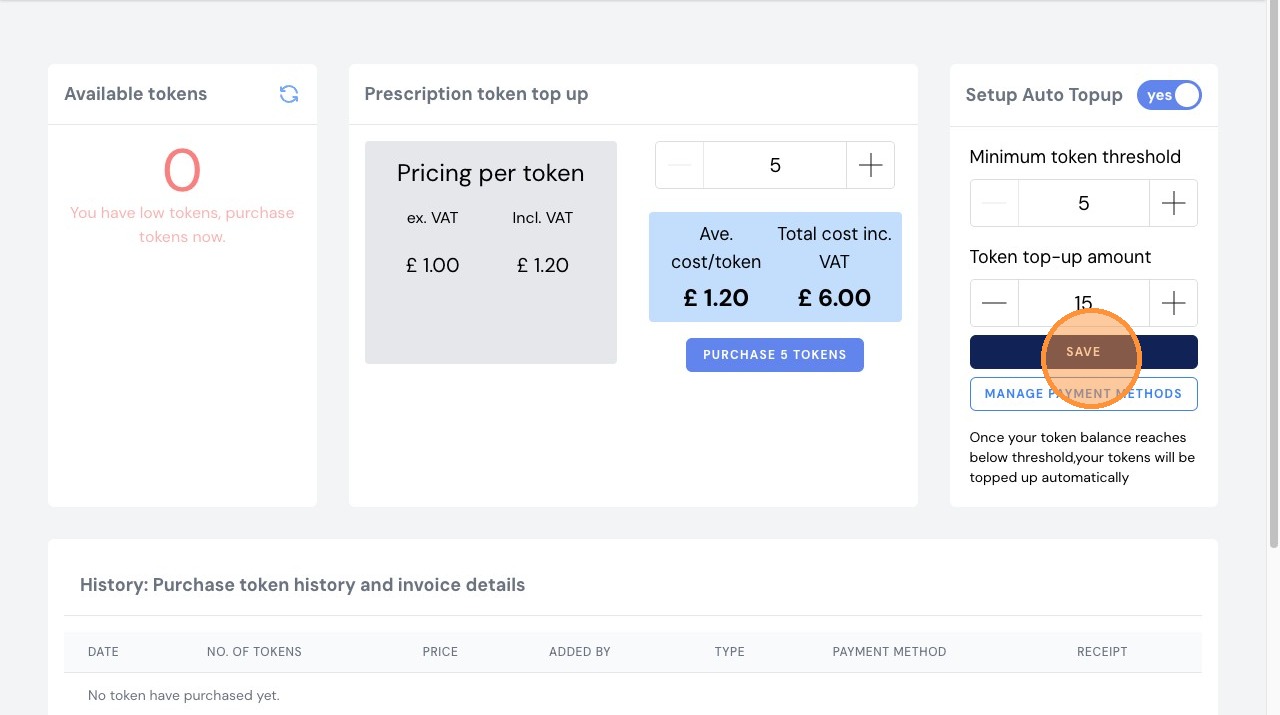
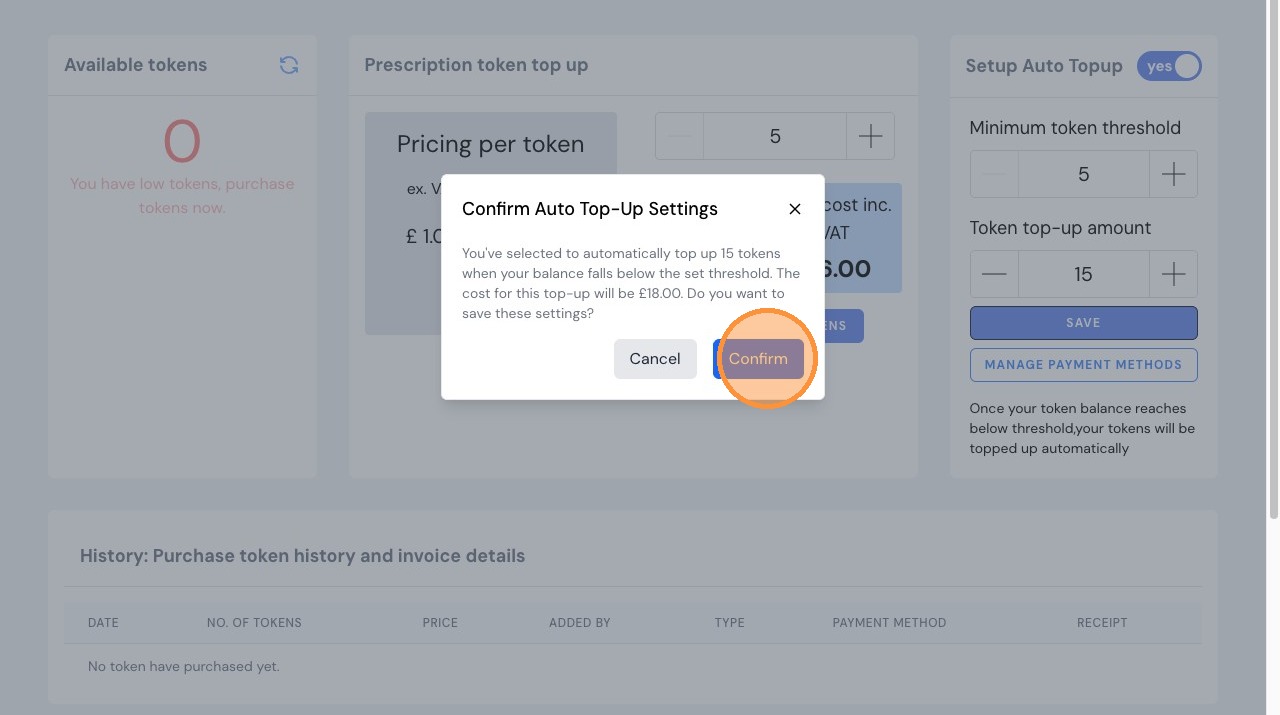
5. Read the confirmation prompt and when happy to go ahead, Click "Confirm"
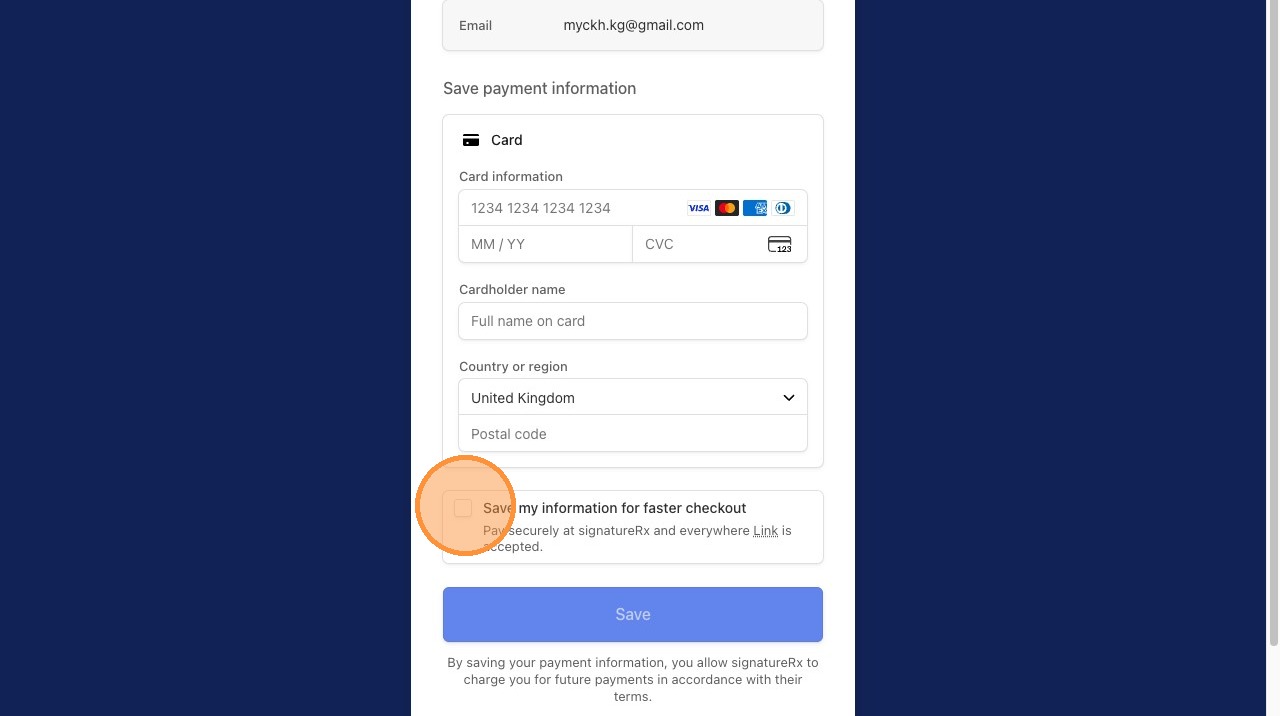
6. Enter your card details, then tick the “Save my information for faster checkout” box and save.
Important information
- Auto Top-Up ensures your account is automatically topped up when your token balance runs low.
- You must have valid billing details saved for Auto Top-Up to work.
- Tokens will be purchased automatically based on your selected settings.
Related Articles
Managing SignatureRx Billing and Token History
Managing SignatureRx Billing and Token History Learn how to manage your token balance, purchase credits, enable auto top-up, and view billing history in SignatureRx. SignatureRx uses a token-based system, where: Each prescription uses 1 token ...How to Purchase Tokens in SignatureRx
How to Purchase Tokens in SignatureRx Learn how to quickly navigate your dashboard to purchase additional tokens for your account. This guide provides a straightforward walkthrough of the billing process to ensure you can continue using your services ...Buying Prescription Credits (Tokens)
How To Purchase SignatureRx Tokens Learn how to easily add more tokens to your SignatureRx account to ensure uninterrupted service. This guide walks you through the billing section to help you manage your token purchases efficiently. SignatureRx uses ...Setting Up Clinic Pay: How to Request and Enable
Setting Up Clinic Pay: How to Request and Enable This guide explains how to request and enable Clinic Pay in SignatureRx for prescriptions fulfilled via Signature Pharmacy delivery. What Is Clinic Pay? Clinic Pay allows your clinic to: Cover the cost ...Commission – What Is It and How Does It Work?
Commissions - How does it work? Learn how commissions work in SignatureRx and how to set up your Ryft account to receive payments. This guide explains how commissions are generated and how to configure your account for secure payouts. What is ...