Setting up your clinic account
Setting up your Clinic Account
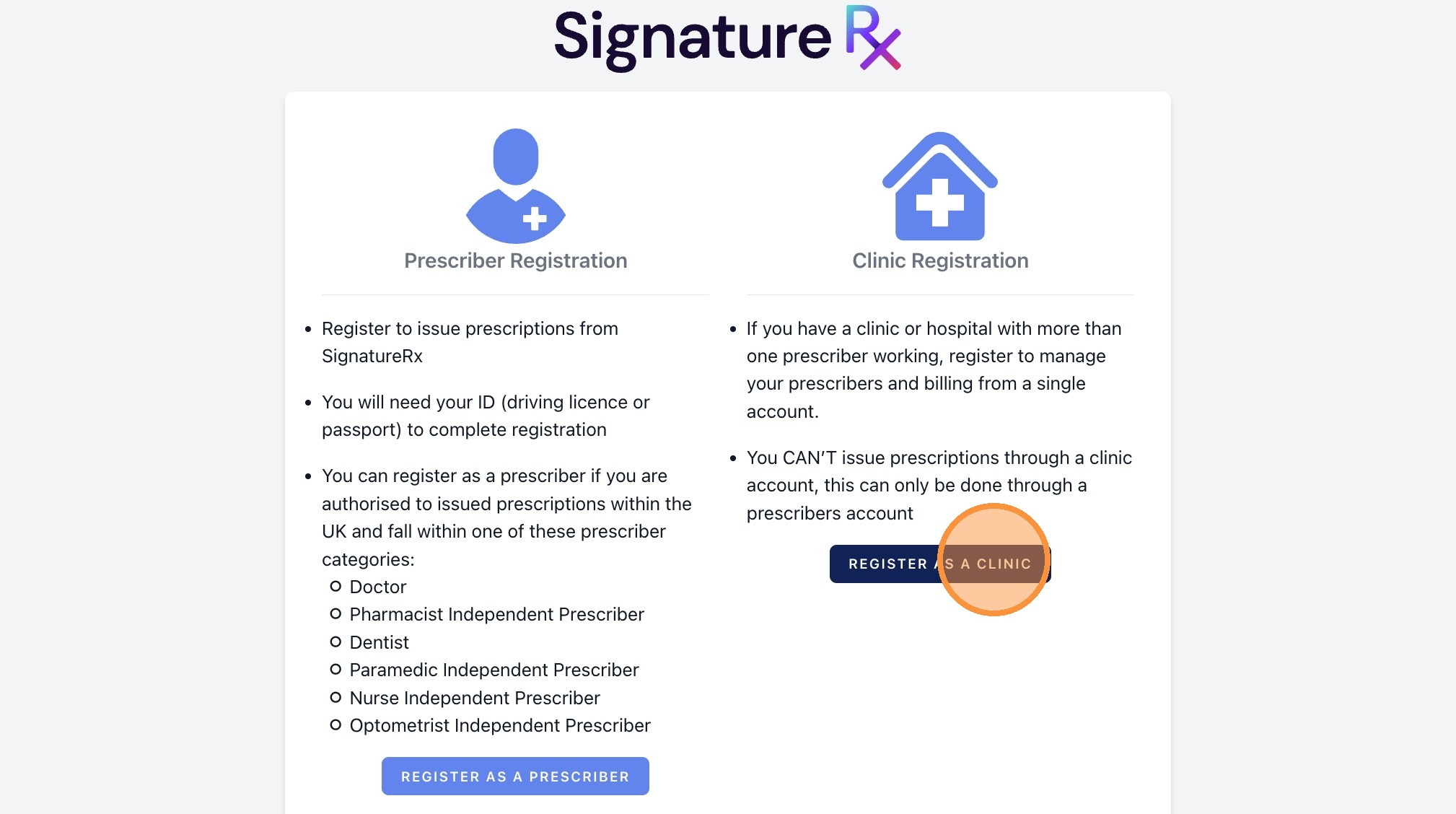
1. Navigate to https://signaturerx.co.uk/ and click "Register Now"

2. Click "Register as a clinic"
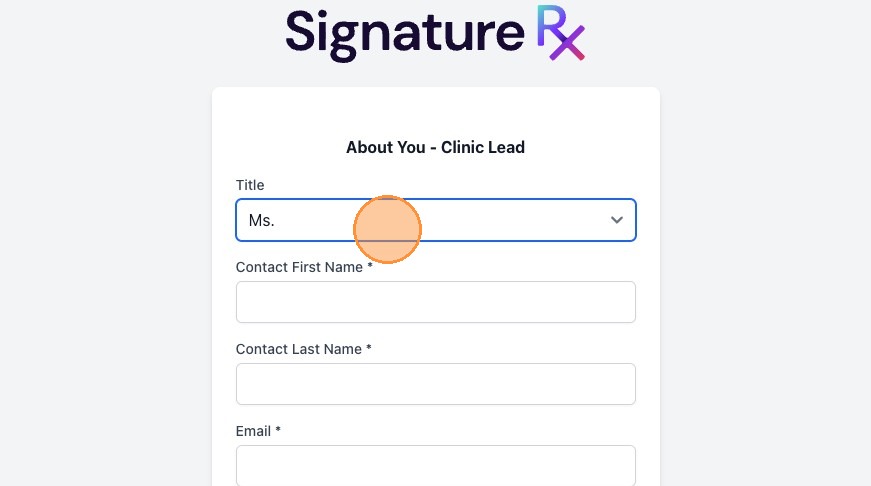
3. Please complete all fields, as these details relate to you as the Main Admin. These will not be visible on the prescription.
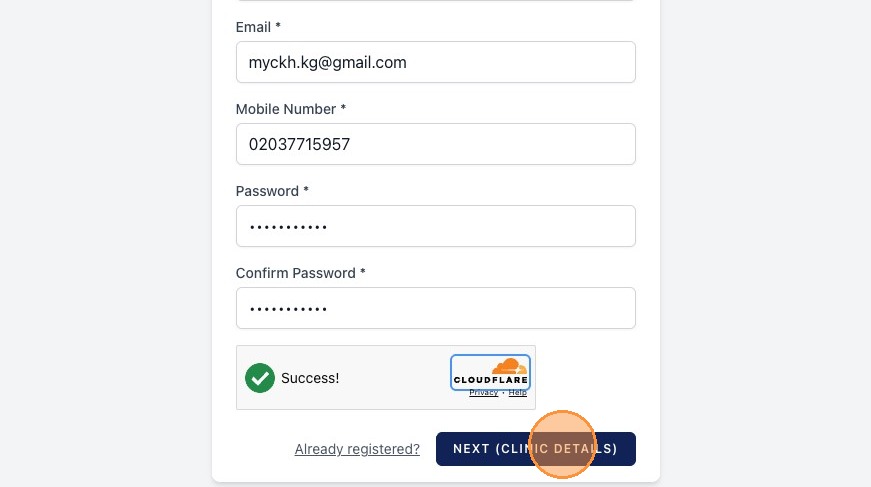
4. Once completed, click "Next (Clinic Details)"
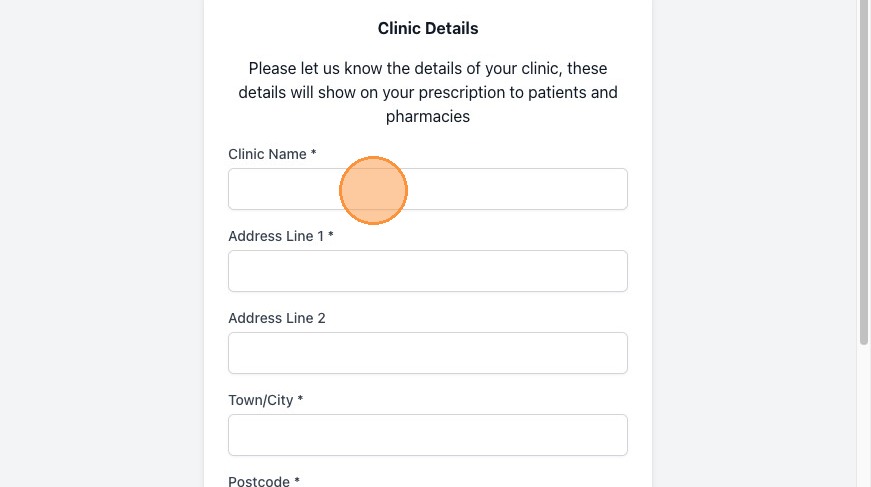
5. Please complete all clinic detail fields. These details will show on your prescription to patients and pharmacies.
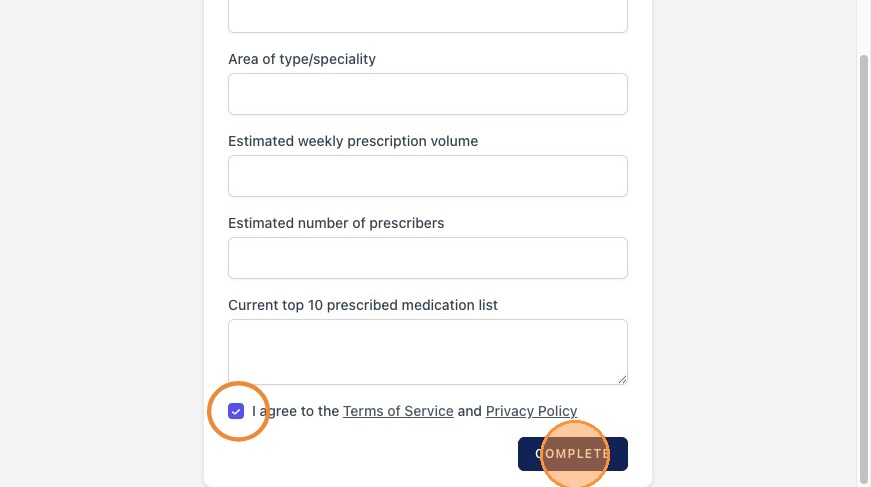
6. Once you have completed all fields, please tick the “I agree to the Terms of Service and Privacy Policy” box and click “Complete”.
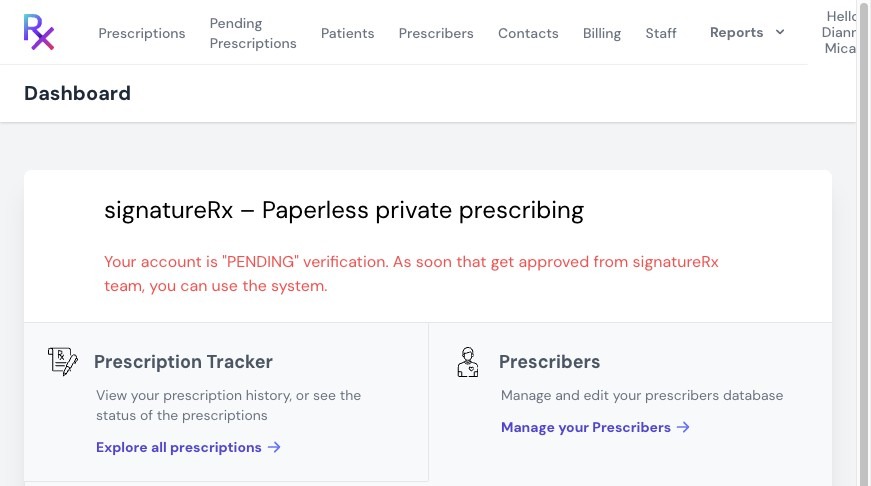
7. This is what it looks like once you have completed the clinic registration. Our team will verify your account as soon as possible during our working hours, (weekdays from 9am to 6pm and weekends from 9am to 3pm.)
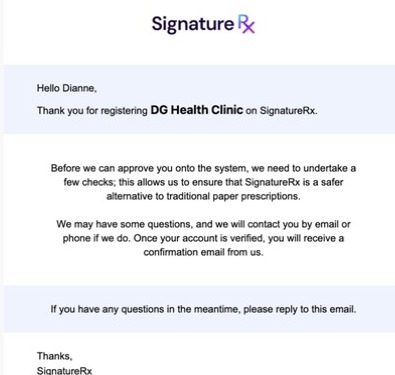
8. You will also receive an email confirming your registration.
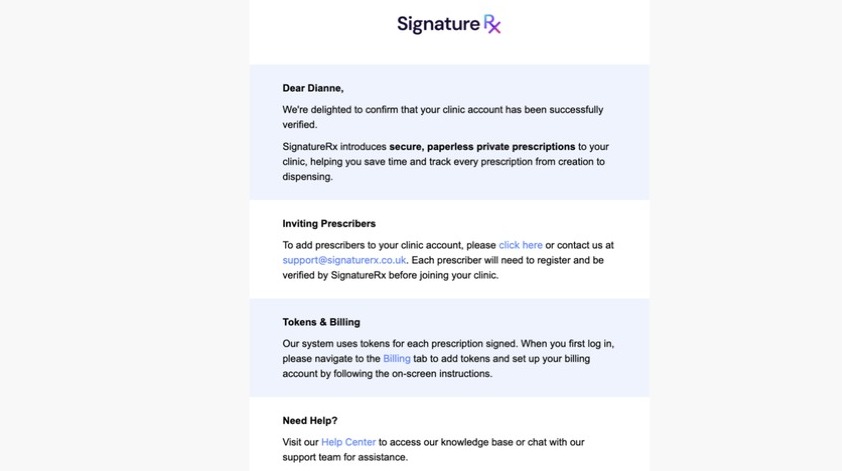
9. Another email, once your account has been verified.
Related Articles
Setting Up Clinic Pay: How to Request and Enable
Setting Up Clinic Pay: How to Request and Enable This guide explains how to request and enable Clinic Pay in SignatureRx for prescriptions fulfilled via Signature Pharmacy delivery. What Is Clinic Pay? Clinic Pay allows your clinic to: Cover the cost ...Navigating The SignatureRX Clinic Dashboard (Overview)
Navigating The SignatureRX Clinic Dashboard (Overview) This guide provides an overview of the SignatureRx clinic dashboard. It covers the key areas available to help you manage prescriptions, prescribers, patients, billing, and clinic settings ...Managing Prescribers Under Your Clinic
Managing Prescribers Under Your Clinic This guide explains how to view all prescribers linked to your clinic account and understand their account statuses. 1. Log in to your portal via your clinic page. 2. Click "Prescribers". 3. In the “Prescribers” ...How to Remove a Prescriber from Your Clinic
How to Remove a Prescriber from Your Clinic Learn the necessary steps to manage your clinic's staff by removing a prescriber from your account. This guide provides a clear walkthrough to ensure you can efficiently update your clinic's authorised ...What is a clinic user and what can they do?
What is a Clinic user and What can they do? A clinic account is ideal for practices where multiple doctors or prescribers work within the same clinic. It provides a shared workspace, allowing teams to manage prescription operations efficiently and ...