Managing SignatureRx Billing and Token History
Managing SignatureRx Billing and Token History
Learn how to manage your token balance, purchase credits, enable auto top-up, and view billing history in SignatureRx.
SignatureRx uses a token-based system, where:
- Each prescription uses 1 token (credit)
- Tokens are purchased in advance
- You can track both usage and billing history
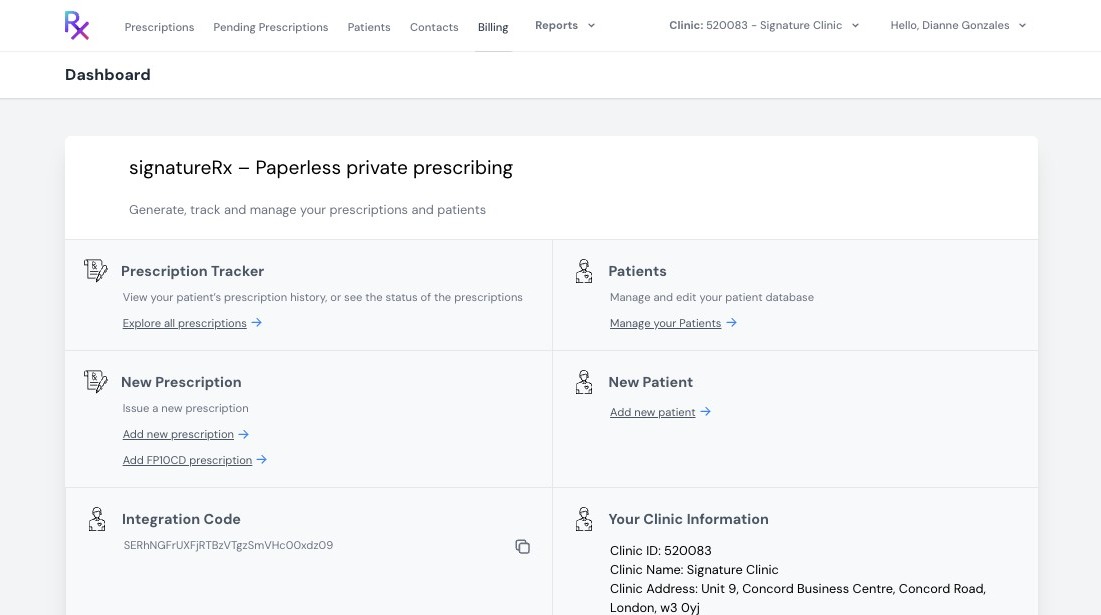
1. Log into your SignatureRx prescriber account.
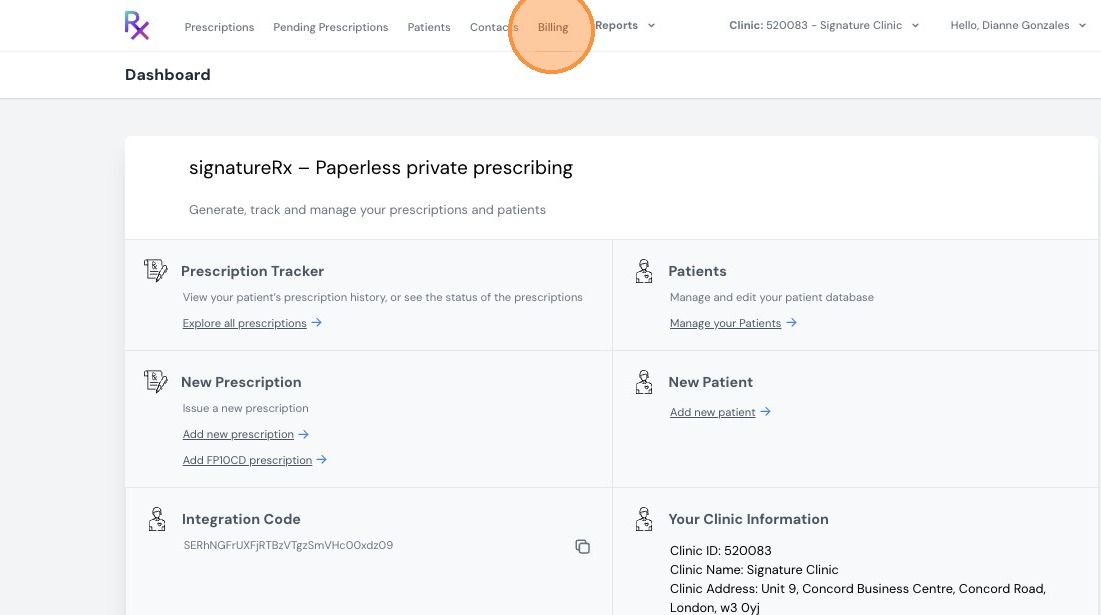
2. Click "Billing"
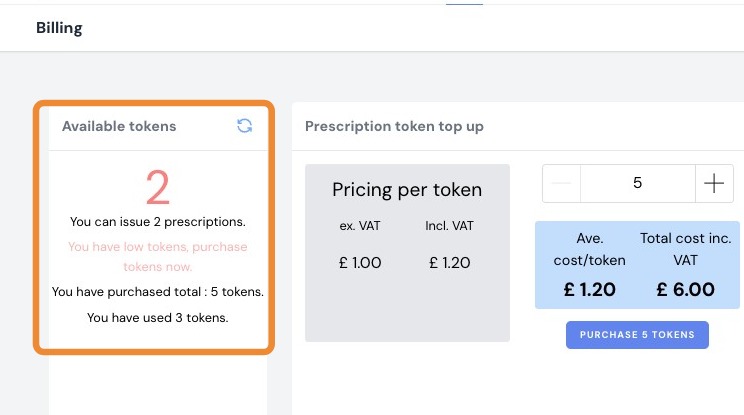
3. View Token Balance
You will see:
- Available tokens
- Total tokens purchased
- Total tokens used
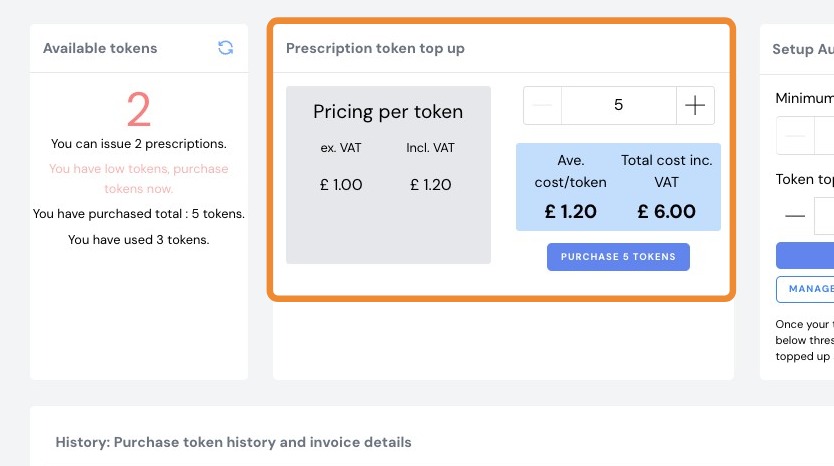
4. Purchase Tokens
In the “Prescription Token Top-Up” section:
- Enter the number of tokens you wish to purchase
- The total cost (including VAT) will be displayed
Note:
- Minimum purchase is 5 tokens
- Cost is approximately £1 per token + VAT
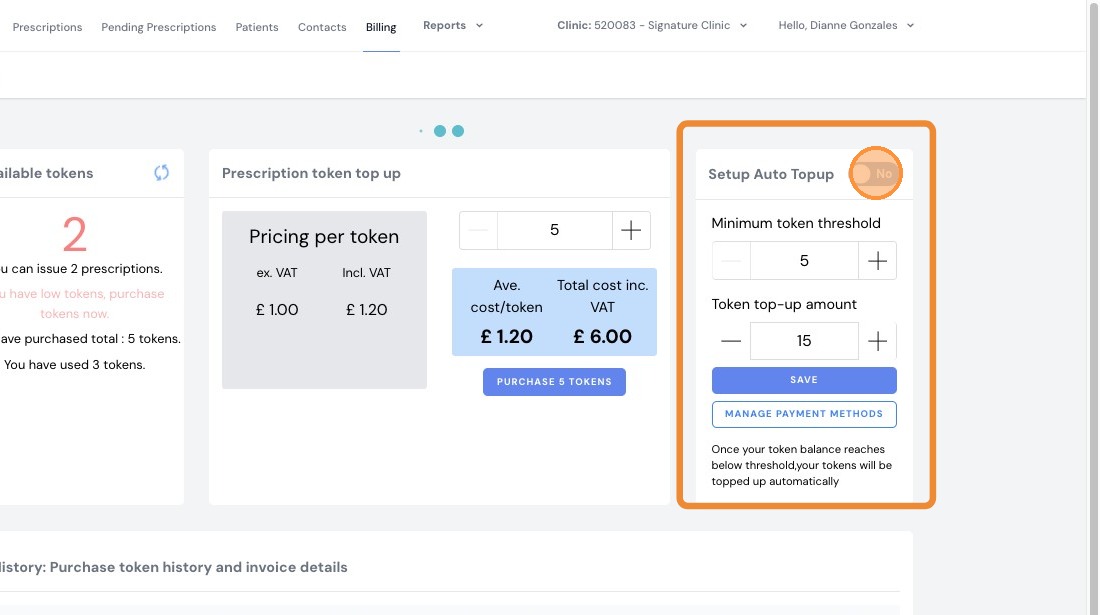
5. Set Up Auto Top-Up (Optional)
To enable auto top-up:
- Toggle “Set Up Auto Top-Up”
- Enter:
- Minimum token threshold
- Top-up amount
Once your balance falls below the threshold, tokens will be automatically purchased.
6. View Purchase History & Invoices
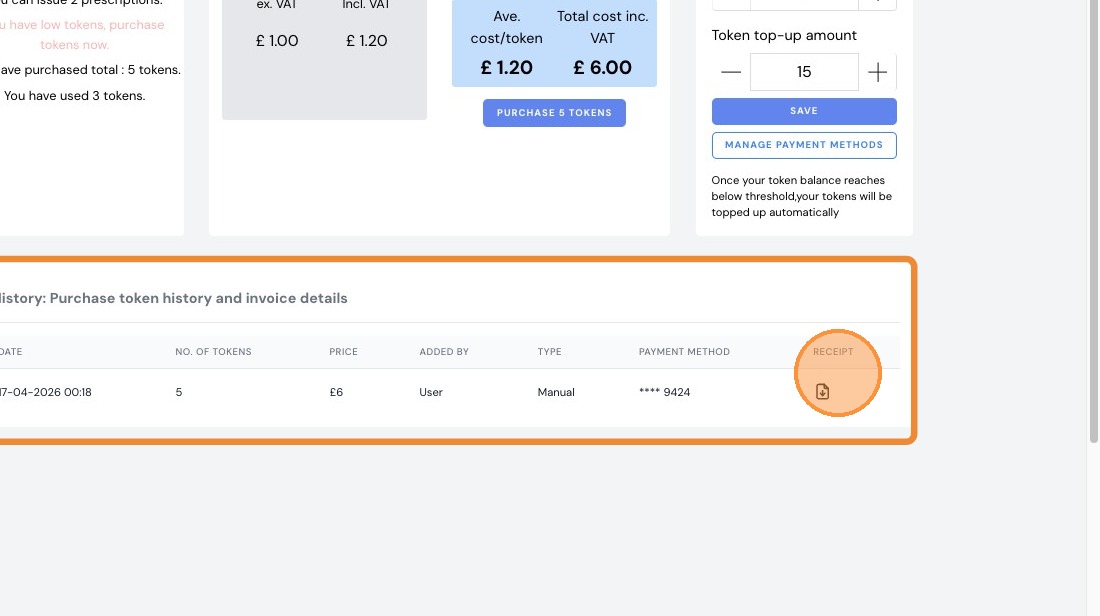
You can access:
- Token purchase history
- Invoice details
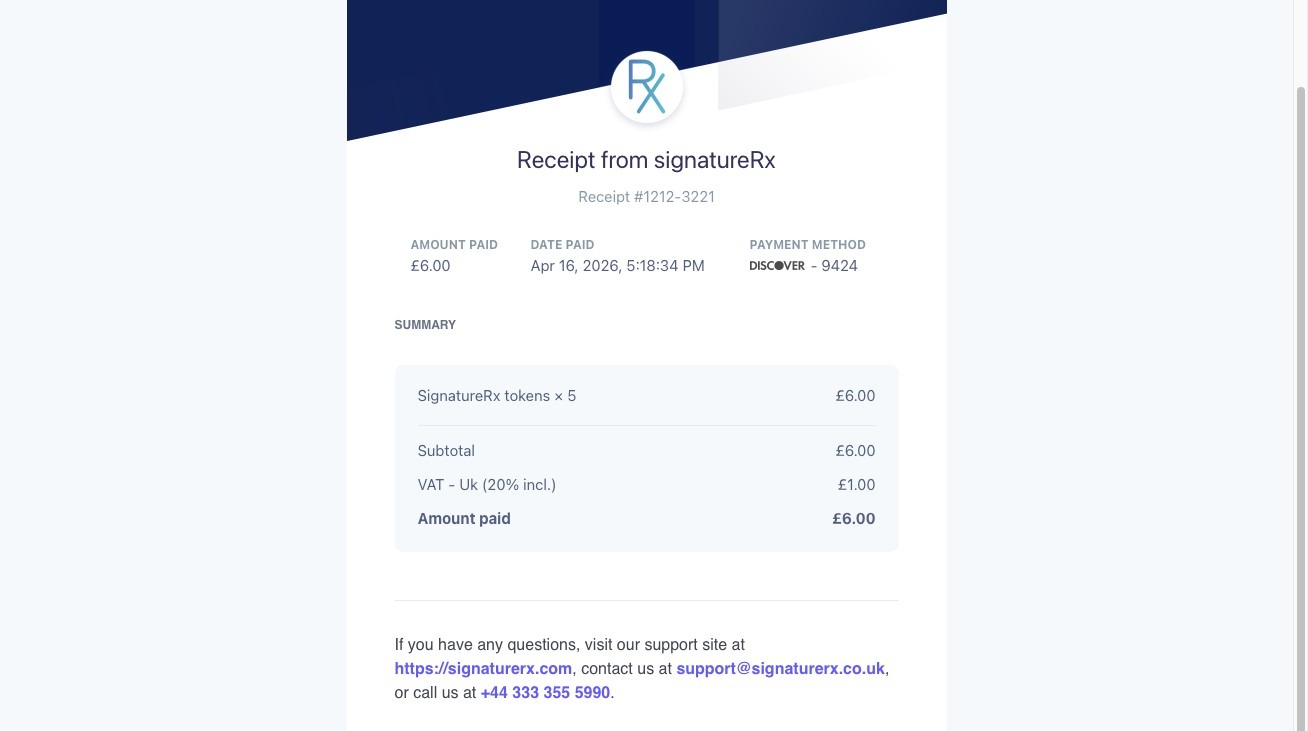
To download a receipt, click the download icon.
Important:
- Tokens are required before issuing prescriptions
- Each prescription uses one token
- Ensure sufficient balance to avoid interruptions
Related Articles
View Prescription History
Viewing Prescription History Made by Dianne Micah Gonzales with Scribe Learn how to view a patient’s prescription history in SignatureRx, including previously issued medications and their status. 1. Log into SignatureRx portal using your prescriber ...How to Purchase Tokens in SignatureRx
How to Purchase Tokens in SignatureRx Learn how to quickly navigate your dashboard to purchase additional tokens for your account. This guide provides a straightforward walkthrough of the billing process to ensure you can continue using your services ...Managing Prescribers Under Your Clinic
Managing Prescribers Under Your Clinic This guide explains how to view all prescribers linked to your clinic account and understand their account statuses. 1. Log in to your portal via your clinic page. 2. Click "Prescribers". 3. In the “Prescribers” ...Navigating The SignatureRX Clinic Dashboard (Overview)
Navigating The SignatureRX Clinic Dashboard (Overview) This guide provides an overview of the SignatureRx clinic dashboard. It covers the key areas available to help you manage prescriptions, prescribers, patients, billing, and clinic settings ...How to Download an Invoice or VAT Receipt for Token Purchases
How to Download an Invoice or VAT Receipt for Token Purchases Learn how to access and view detailed payment receipts for your SignatureRx account. This guide provides a quick path to locating your billing history and opening individual transaction ...