How to Purchase Tokens in SignatureRx
How to Purchase Tokens in SignatureRx
Learn how to quickly navigate your dashboard to purchase additional tokens for your account. This guide provides a straightforward walkthrough of the billing process to ensure you can continue using your services without interruption.
1. Log in to your portal via your clinic page.
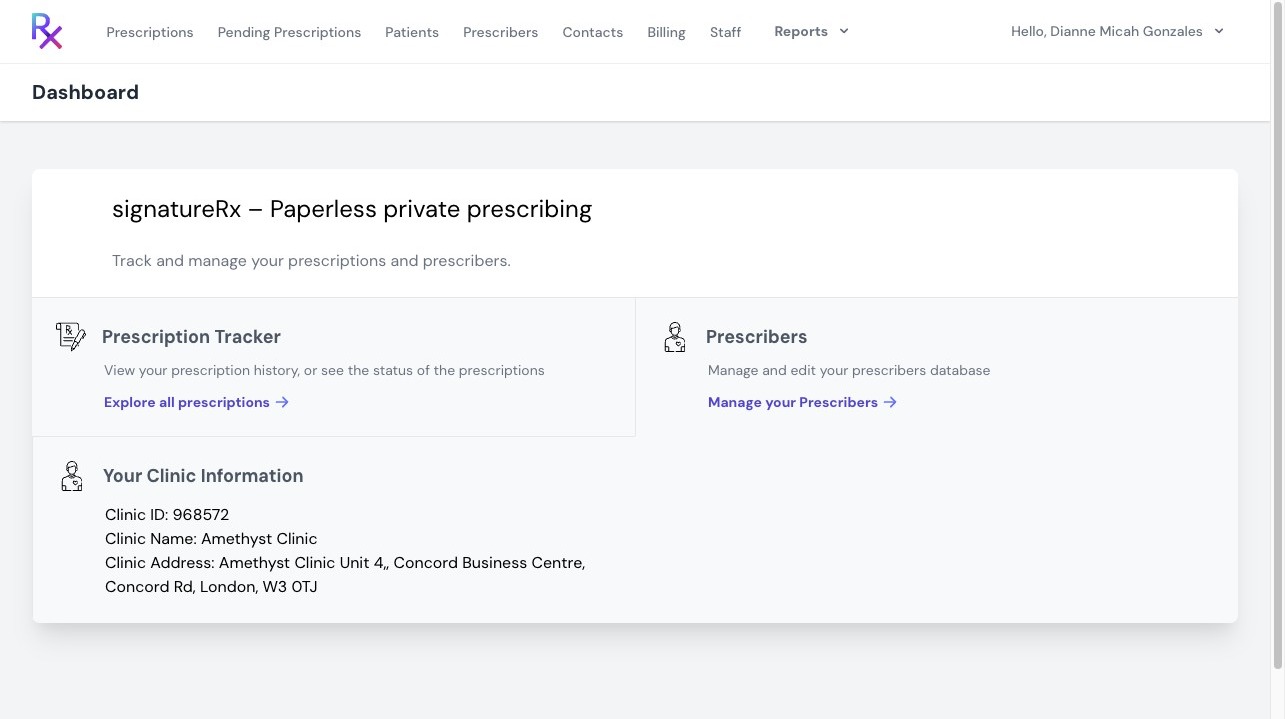
2. Click "Billing"
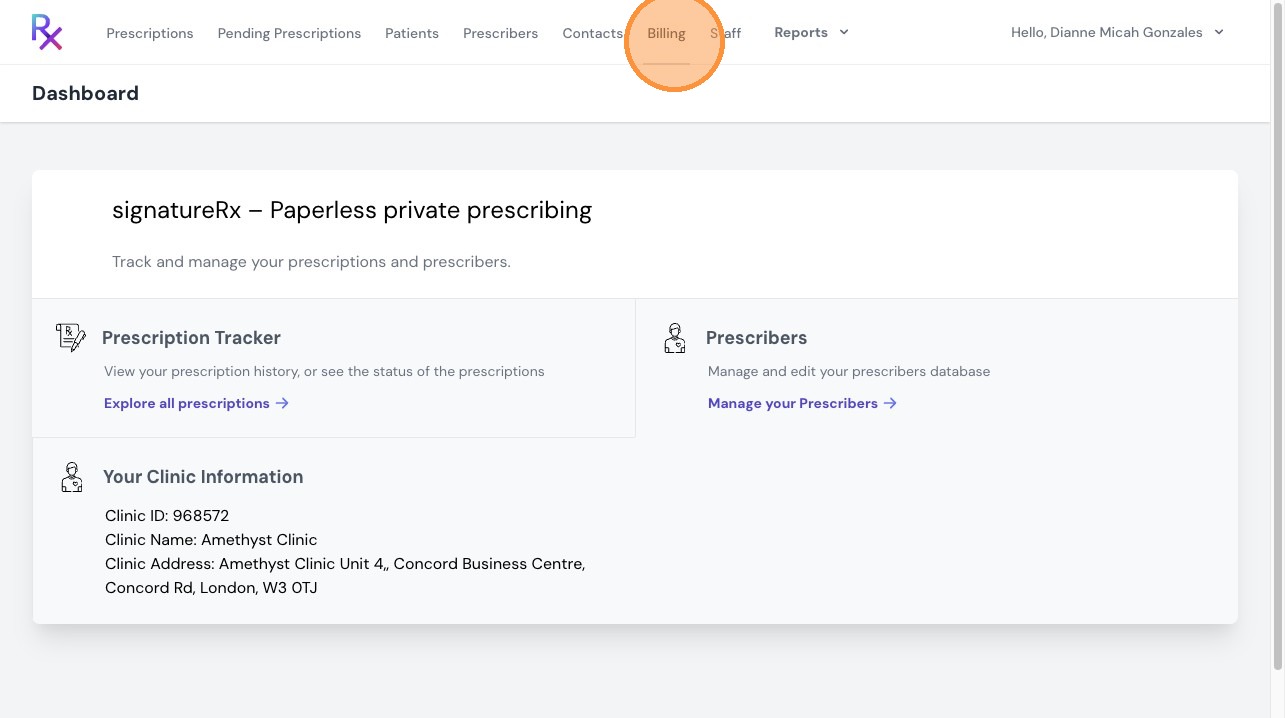
3. Here in the “Billing” tab, you can view your available tokens, top up or purchase tokens, and see your purchase history and download receipt.
The minimum purchase is 5 tokens, at £1 per token plus VAT. You can adjust the number of tokens by entering the quantity you would like to purchase.
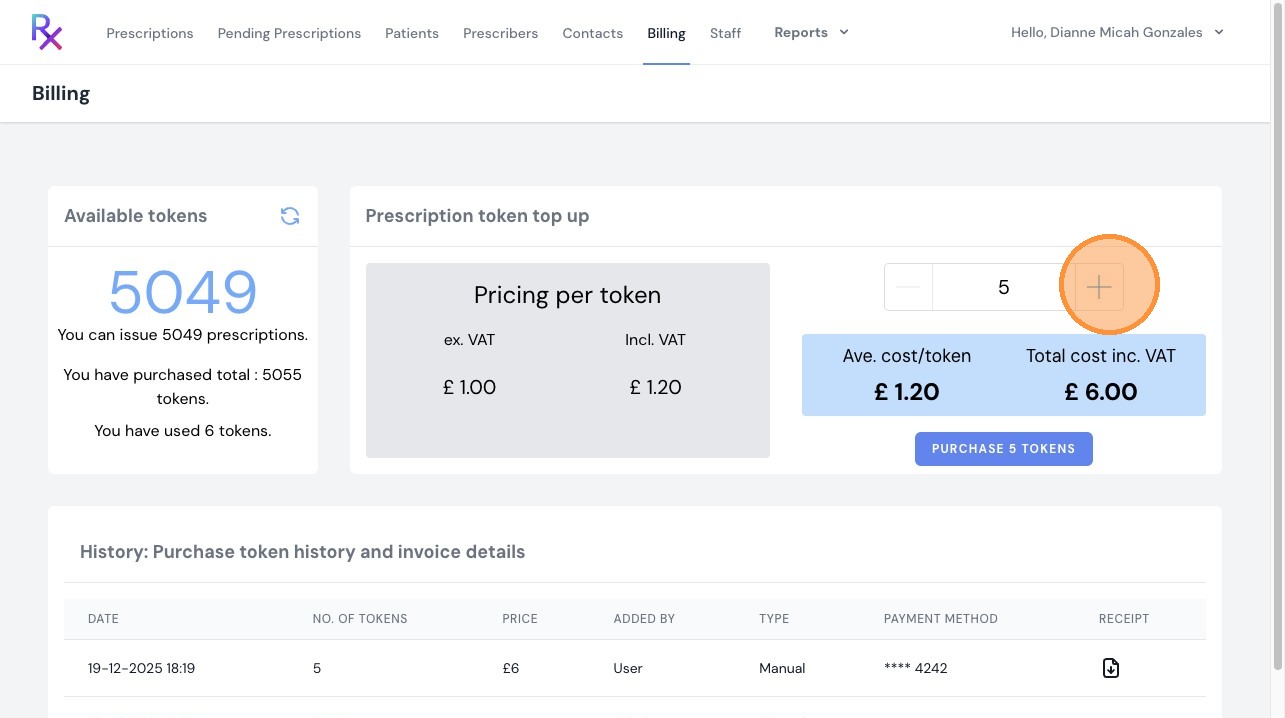
4. Click "Purchase tokens"
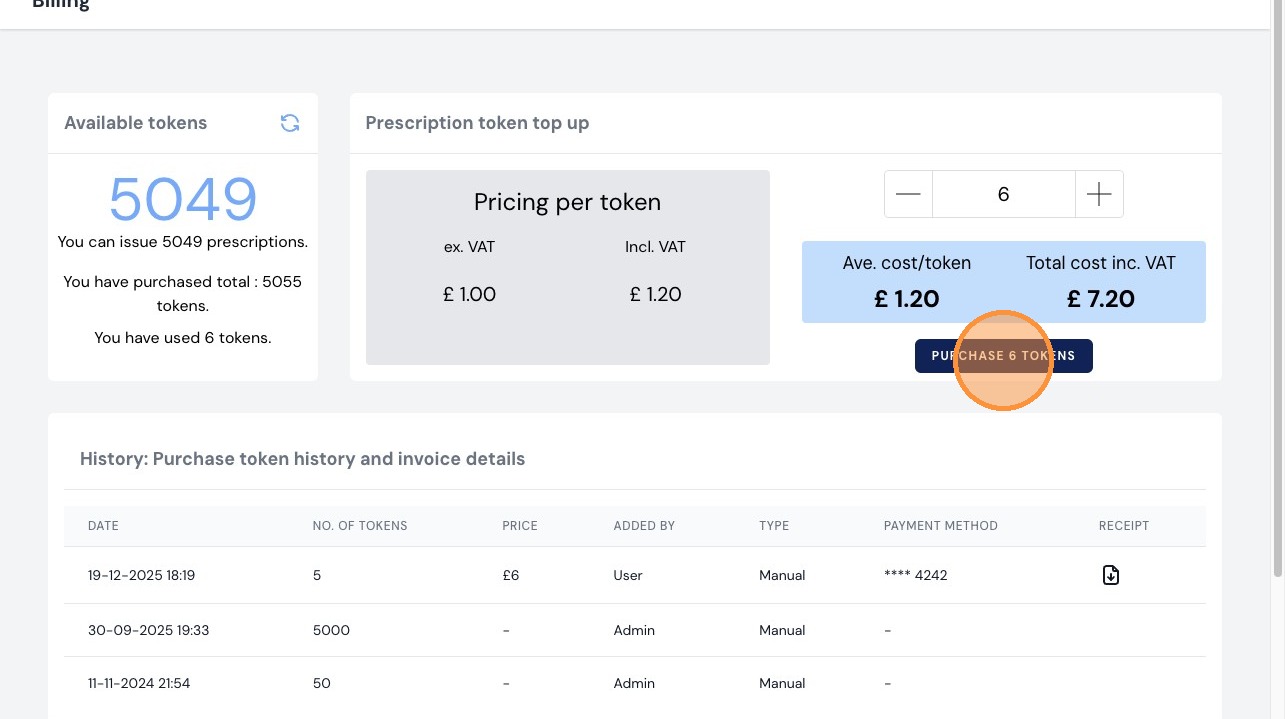
5. You will see a breakdown of your purchase. Scroll down to continue.
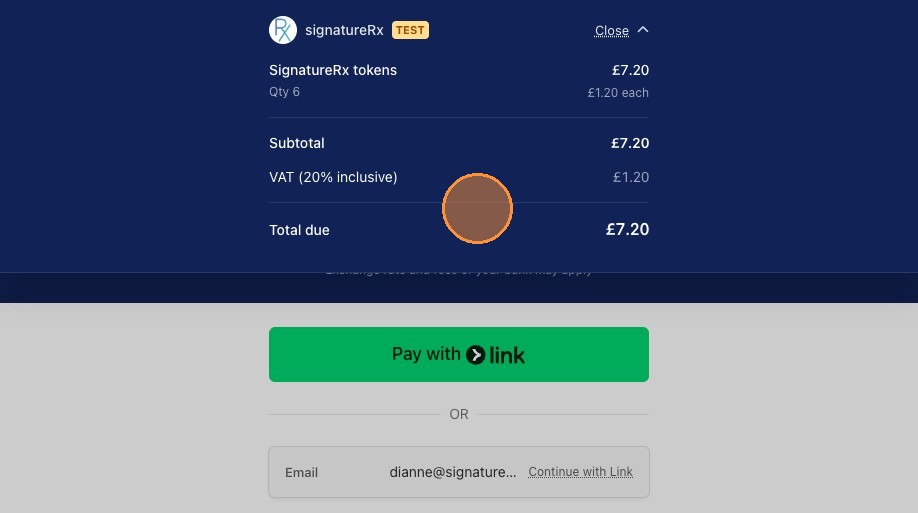
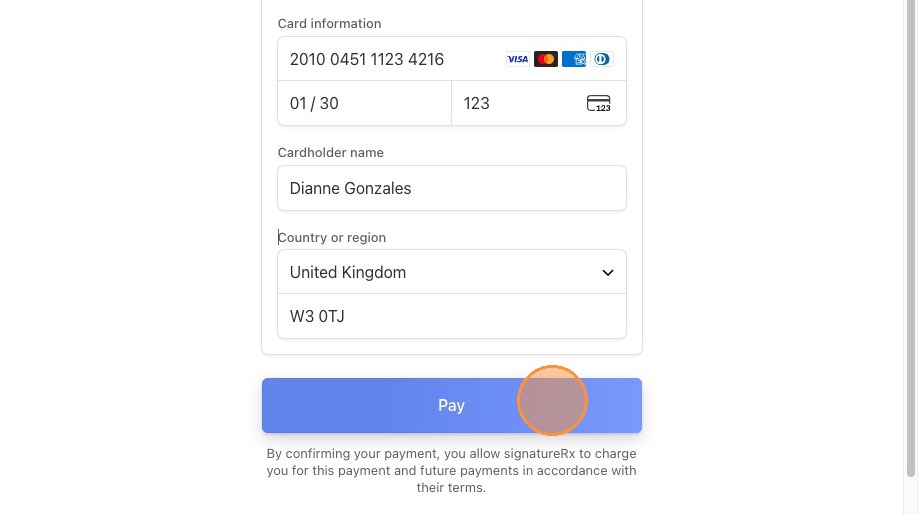
6. Enter your card details and complete the payment.
Once successful, your tokens will be added to your account and will be available for use immediately.
Important information
- Tokens are required to issue prescriptions on SignatureRx.
- You will receive an email notification when your token balance is low (e.g. when you have 5 tokens remaining)
Optional: Auto Top-Up
To avoid running out of tokens, you can enable Auto Top-Up.
When enabled, SignatureRx will automatically purchase additional tokens when your balance drops below a set threshold, ensuring uninterrupted prescribing
Overview
This article explains how to purchase tokens, enable Auto Top-Up so your balance is replenished automatically, and download invoices or VAT receipts for your token purchases.
Clinic users responsible for billing and token management.
- Tokens are required to issue prescriptions on SignatureRx; the minimum purchase is 5 tokens at £1 per token plus VAT.
- Auto Top-Up automatically purchases tokens when your balance reaches a set threshold, so valid billing details must be saved.
- All token purchases are recorded in your billing history, where invoices and VAT receipts can be downloaded at any time.
Answer: Through the Billing tab.
Log in via your clinic page; click "Billing"; view available tokens and enter the quantity to purchase; click "Purchase tokens"; review the breakdown; enter card details and complete payment. You'll receive an email notification when your token balance is low.
Answer: From the Billing tab, under Setup Auto Top-Up.
Click "Billing"; locate the Setup Auto Top-Up section; toggle it on; set your minimum threshold and the quantity to be purchased automatically; save your settings; confirm the prompt; then enter your card details and tick "Save my information for faster checkout".
Answer: From your purchase history in the Billing tab.
Click "Billing" and scroll down to view your purchase history. Locate the transaction you require and click the option to download the invoice or VAT receipt.
Source links:
https://help.signaturerx.co.uk/portal/en/kb/articles/how-to-download-an-invoice-or-vat-receipt-for-token-purchases
https://help.signaturerx.co.uk/portal/en/kb/articles/how-to-enable-auto-top-up-6-4-2026
https://help.signaturerx.co.uk/portal/en/kb/articles/how-to-purchase-tokens-in-signaturerx
Related Articles
Buying Prescription Credits (Tokens)
How To Purchase SignatureRx Tokens Learn how to easily add more tokens to your SignatureRx account to ensure uninterrupted service. This guide walks you through the billing section to help you manage your token purchases efficiently. SignatureRx uses ...Managing SignatureRx Billing and Token History
Managing SignatureRx Billing and Token History Learn how to manage your token balance, purchase credits, enable auto top-up, and view billing history in SignatureRx. SignatureRx uses a token-based system, where: Each prescription uses 1 token ...Navigating The SignatureRX Clinic Dashboard (Overview)
Navigating The SignatureRX Clinic Dashboard (Overview) This guide provides an overview of the SignatureRx clinic dashboard. It covers the key areas available to help you manage prescriptions, prescribers, patients, billing, and clinic settings ...Welcome to SignatureRx
Welcome to SignatureRx Learn how to get started with SignatureRx, an advanced electronic private prescription platform designed for clinicians and telemedicine providers. SignatureRx allows prescribers to issue secure, paperless private prescriptions ...Contact SignatureRx Support
Need Help? Contact Our Support Team If you need assistance, you can contact SignatureRx using the options below: 1. Phone Support 0333 355 5990 Email Support support@signaturerx.co.uk Live Chat Use the live chat button in the bottom-right corner of ...