Voiding or Editing a Prescription After It Has Been Issued
Voiding or Editing a Prescription After It Has Been Issued
This guide explains what you can and cannot do after a prescription has been issued in SignatureRx, including how to void a prescription and when to reissue a new one.
Once a prescription has been issued:
- It cannot be edited
- You may be able to void it, depending on its status
Can I Edit a Prescription After Issuing?
No, prescriptions cannot be edited once issued.
This is to ensure:
- Legal validity
- Prescription integrity
- Patient safety
Can I Void a Prescription?
Yes, but only if it has not been dispensed.
You can void a prescription if:
- It has not been processed
- It has not been dispensed or delivered
You cannot void a prescription if it is:
- Already dispensed
- In delivery process
- Completed
How To Void A Prescription
1. Navigate to your SignatureRx dashboard and log in using your prescriber account.
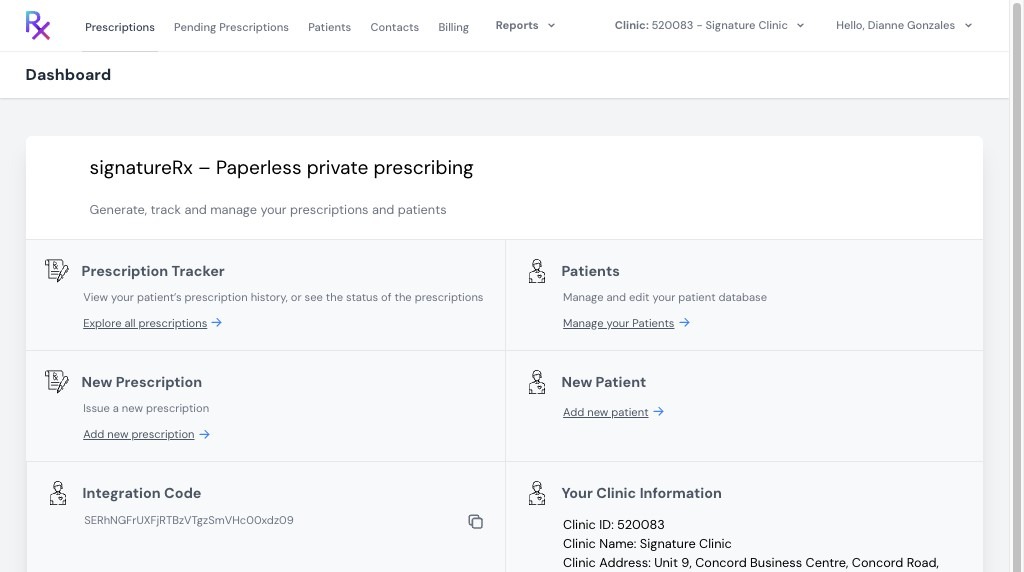
2. Click "Prescriptions" from the main menu.
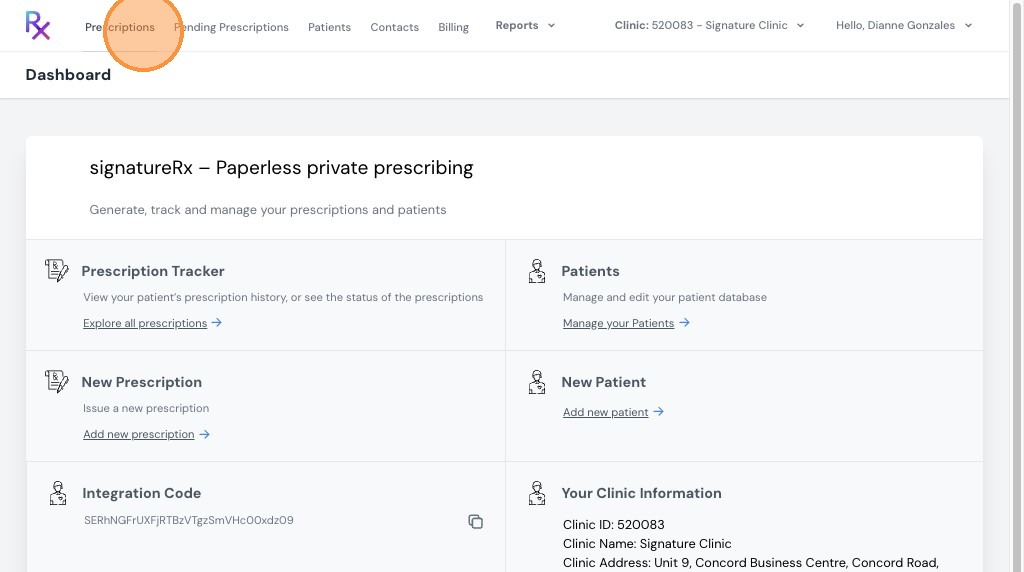
3. Click the eye icon to view the prescription details.
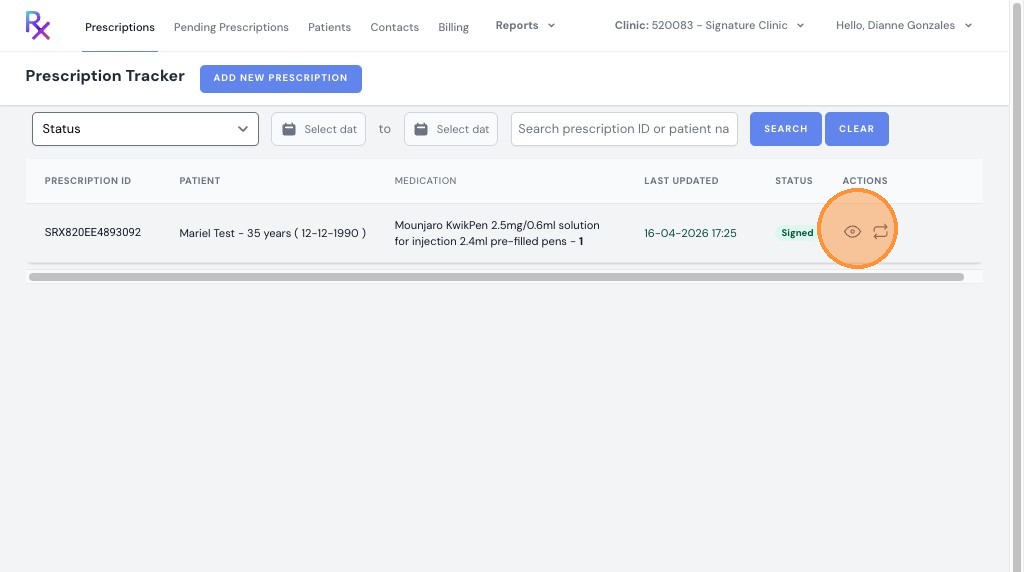
4. Click the void icon (middle icon) to cancel the prescription.
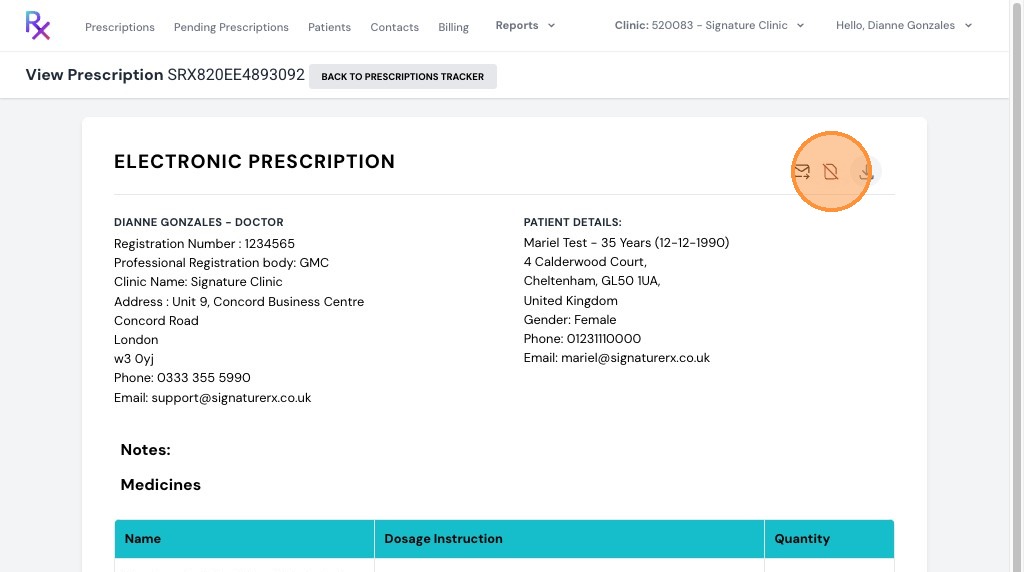
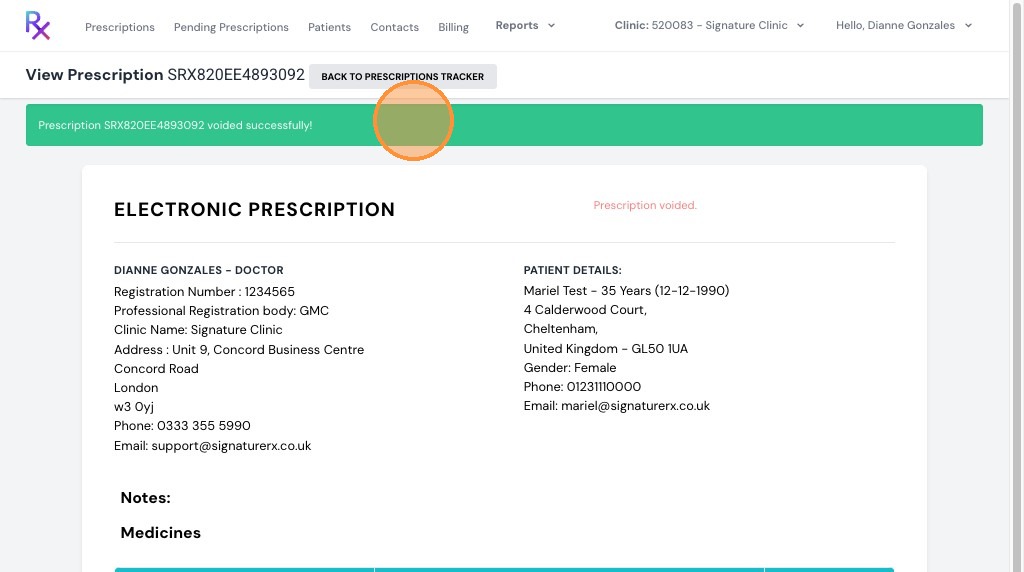
5. A confirmation message will appear: "Prescription SRX820EE4893092 voided successfully!"
Voiding or Editing a Prescription After It Has Been Issued
Overview
This article explains what can and cannot be done after a prescription has been issued in SignatureRx, including how to void a prescription.
Who does this apply to?
Prescribers who need to cancel or correct an issued prescription.
Key points
- Prescriptions cannot be edited once issued, to protect legal validity and patient safety.
- A prescription can only be voided if it has not yet been dispensed, delivered, or completed.
- Voiding is done from the Prescriptions tab using the void icon.
1. Can I edit a prescription after issuing it?
Answer: No, prescriptions cannot be edited once issued.
This restriction exists to maintain legal validity, prescription integrity, and patient safety.
2. Can I void a prescription, and when?
Answer: Yes, but only if it hasn't been dispensed, delivered, or completed.
You can void a prescription if it has not been processed, dispensed, or delivered. You cannot void it if it is already dispensed, in the delivery process, or completed.
3. How do I void a prescription?
Answer: From the Prescriptions tab, using the void icon.
Log in using your prescriber account; click "Prescriptions"; click the eye icon to view the prescription details; click the void icon (middle icon) to cancel it. A confirmation message will appear once voided successfully.
Related Articles
View Prescription History
Viewing Prescription History Made by Dianne Micah Gonzales with Scribe Learn how to view a patient’s prescription history in SignatureRx, including previously issued medications and their status. 1. Log into SignatureRx portal using your prescriber ...Checking Prescription Status
Checking Prescription Status Made by Dianne Micah Gonzales with Scribe Learn how to check the status of your prescriptions in SignatureRx and view completed or signed records. 1. Navigate to your SignatureRx dashboard and log in using your prescriber ...Buying Prescription Credits (Tokens)
How To Purchase SignatureRx Tokens Learn how to easily add more tokens to your SignatureRx account to ensure uninterrupted service. This guide walks you through the billing section to help you manage your token purchases efficiently. SignatureRx uses ...How to Use Your SignatureRx Prescription ID
How to Use Your SignatureRx Prescription ID Learn what a prescription ID is and how to use it to collect your medication from a pharmacy or request delivery. What Is a Prescription ID? A prescription ID is a unique code generated when your prescriber ...I Haven’t Received My Prescription – What Should I Do?
I Haven’t Received My Prescription – What Should I Do? If you are waiting for a prescription from SignatureRx but have not received your ID, this guide will help you understand the necessary steps to resolve the issue. Follow these instructions to ...