Searching for an Existing Patient
Searching for an Existing Patient
Learn how to quickly find an existing patient in SignatureRx and use their record when issuing a prescription.
You can search for an existing patient either from the Patients list or while creating a new prescription.
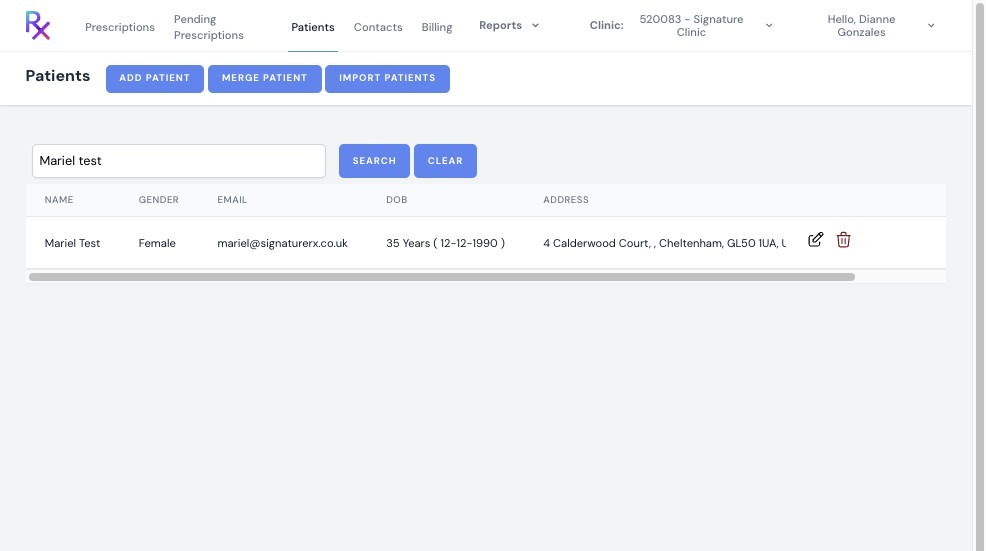
1. Log in to your SignatureRx portal using your prescriber account.
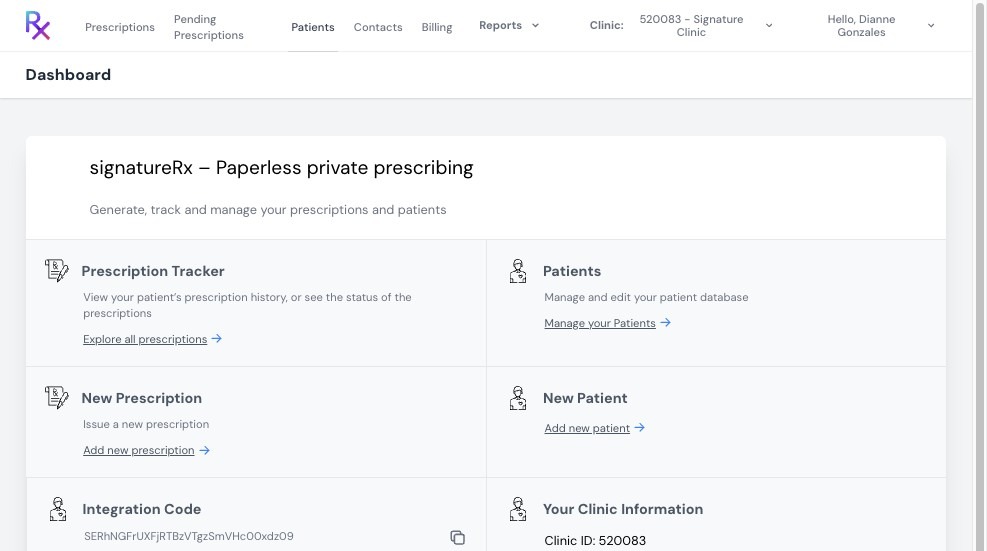
2. Click “Patients” from the main menu.
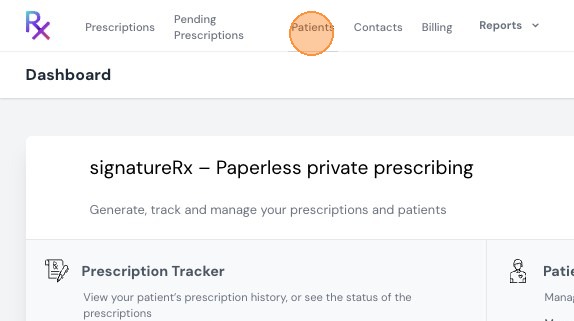
3. You will see a list of all registered patients.
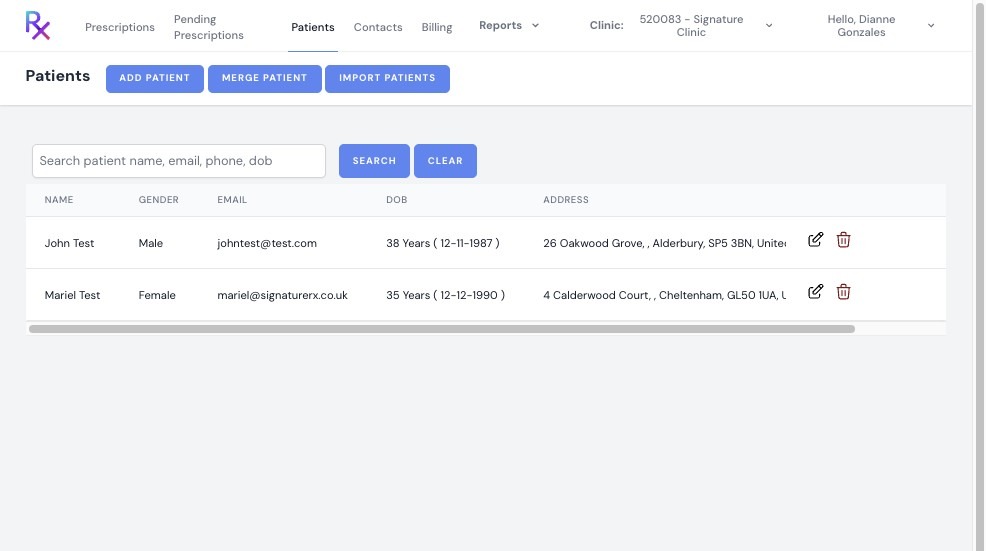
4. Enter the patient’s name in the search bar to quickly locate their record.
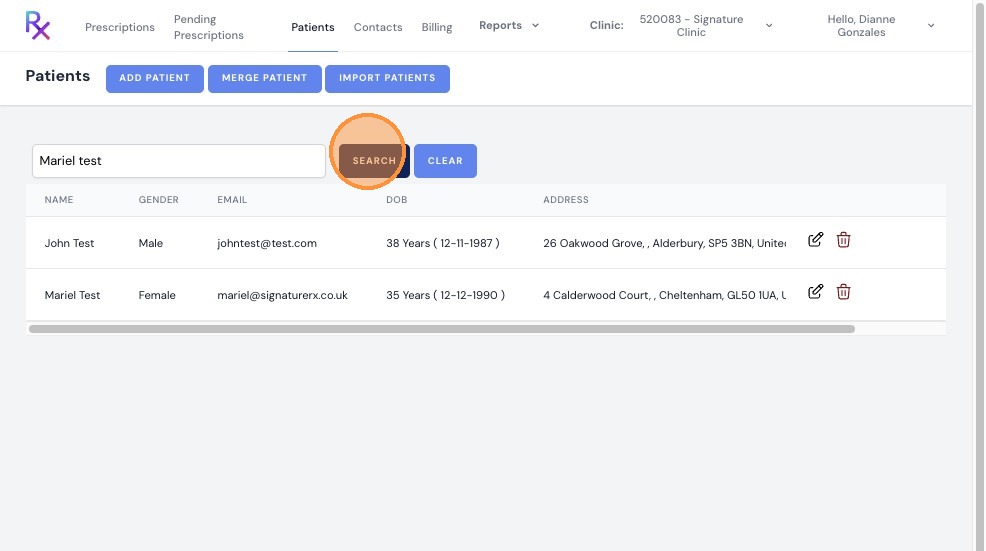
5. View Patient Details
Select the patient to view:
- Patient information
- Previous prescriptions issued
Search While Issuing a Prescription
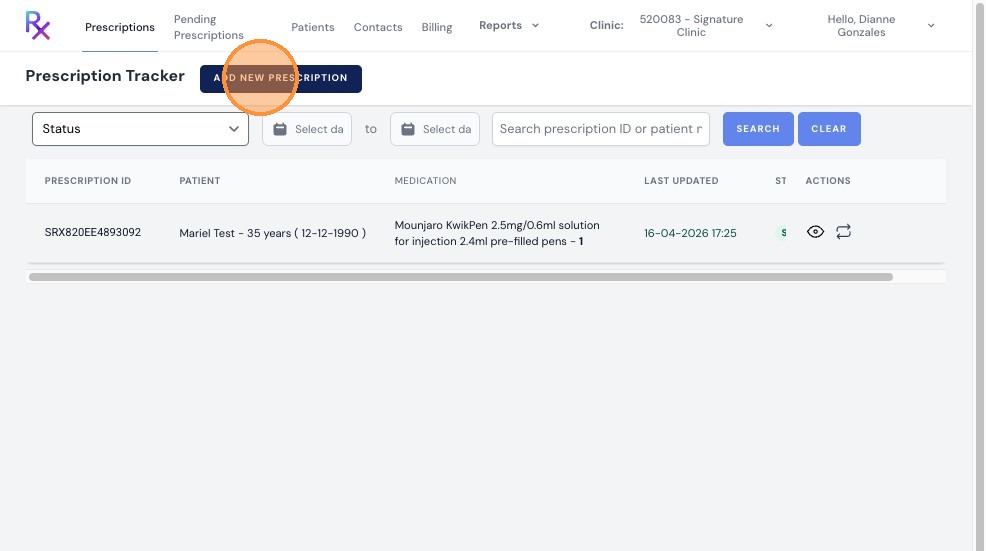
6. Click "Add New Prescription"
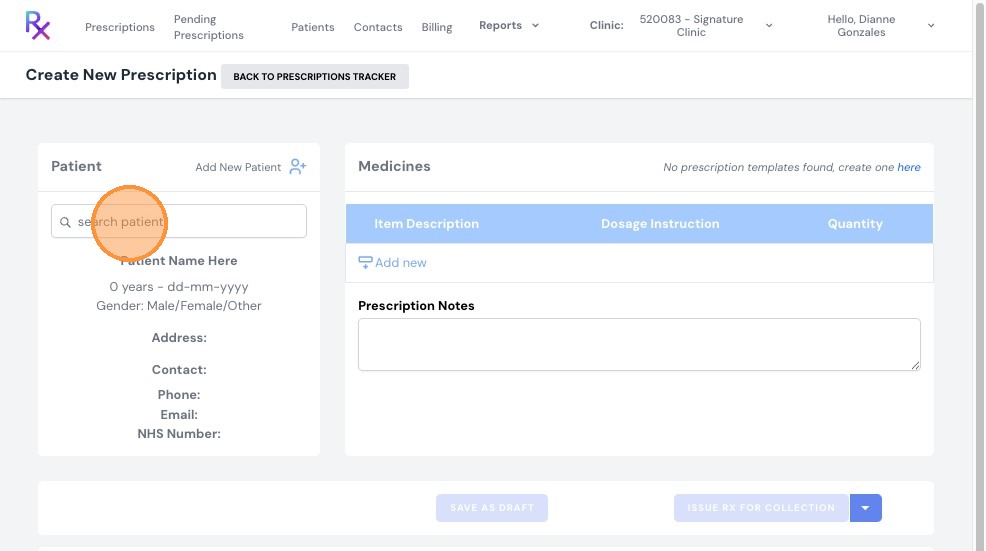
7. Click the "search patient.." field.
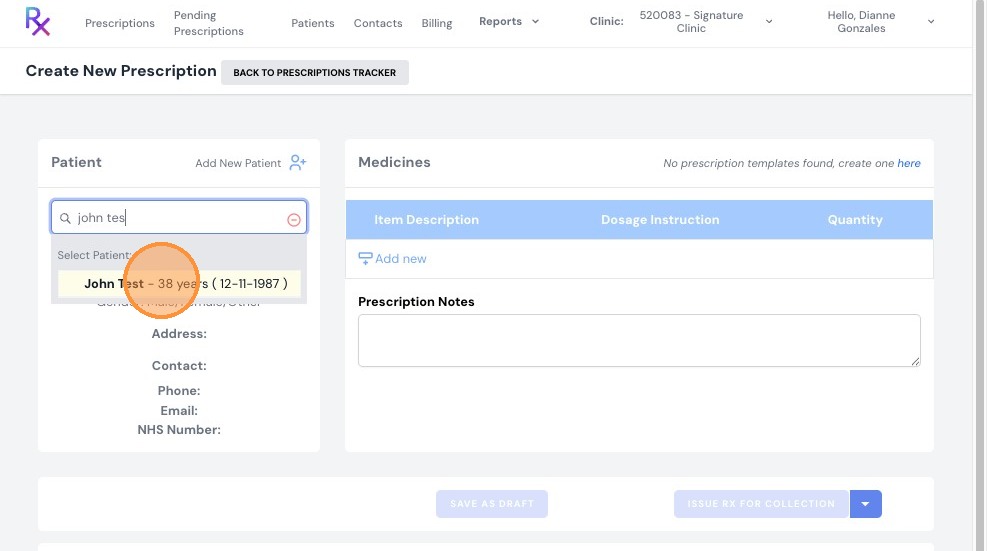
8. Type the patient’s name and select the correct record from the results.
Important Notes
- Ensure you select the correct patient before issuing a prescription
- Double-check patient details to avoid errors
- Use the search bar to save time when managing large patient lists
- Review previous prescriptions for reference if needed
Searching for an Existing Patient
Overview
This article explains how to quickly find an existing patient's record in SignatureRx, either from the Patients list or while creating a new prescription.
Who does this apply to?
Prescribers managing existing patient records.
Key points
- Patients can be searched from the main Patients list or directly while issuing a new prescription.
- Selecting a patient shows their information and previously issued prescriptions.
- Always double-check patient details before issuing a prescription to avoid errors.
1. How do I search for a patient from the Patients list?
Answer: Use the search bar on the Patients page.
Log in using your prescriber account; click "Patients" to see all registered patients; enter the patient's name in the search bar to locate their record; select the patient to view their information and previous prescriptions.
2. How do I search for a patient while issuing a prescription?
Answer: Use the search patient field when adding a new prescription.
Click "Add New Prescription"; click the "search patient.." field; type the patient's name and select the correct record from the results.
Source link:
https://help.signaturerx.co.uk/portal/en/kb/articles/searching-for-an-existing-patient
Related Articles
What Does the Patient Experience Under Patient Pay?
What Does the Patient Experience using SignatureRx ? The patient has the option to either have their order delivered by Signature Pharmacy or use their SignatureRx code to collect the medication from any pharmacy nationwide. Home Delivery (via ...Understanding Clinic Pay vs Patient Pay
Understanding Clinic Pay vs Patient Pay This guide explains the key differences between Clinic Pay and Patient Pay in SignatureRx, specifically for prescriptions fulfilled via Signature Pharmacy delivery. Signature offers two payment models for ...Switching Between Clinic Pay and Patient Pay
Switching Between Clinic Pay and Patient Pay This guide explains how to switch between Clinic Pay and Patient Pay in SignatureRx, and what to check before issuing a prescription. When creating a prescription, prescribers can choose between two ...How to Add a New Patient in SignatureRx
How To Add A New Patient In SignatureRx 1. Log in to your SignatureRx portal using your prescriber account. 2. Click “Patients” from the main menu. 3. Click "Add Patient" 4. Fill in all required patient information, then click “Create.” 5. You will ...Issuing Your First e-Prescription – Collection vs Delivery
Issuing Your First e-Prescription – Collection vs Delivery This guide explains how to issue your first electronic prescription using SignatureRx, and how to choose between pharmacy collection and home delivery. When issuing a prescription, you must ...